
Your business at a glance
A home view for the work and relationships that need your attention.
Explore the real Hub interface. Start with your customers, conversations, calendar and website, then see the rest of the workspace.
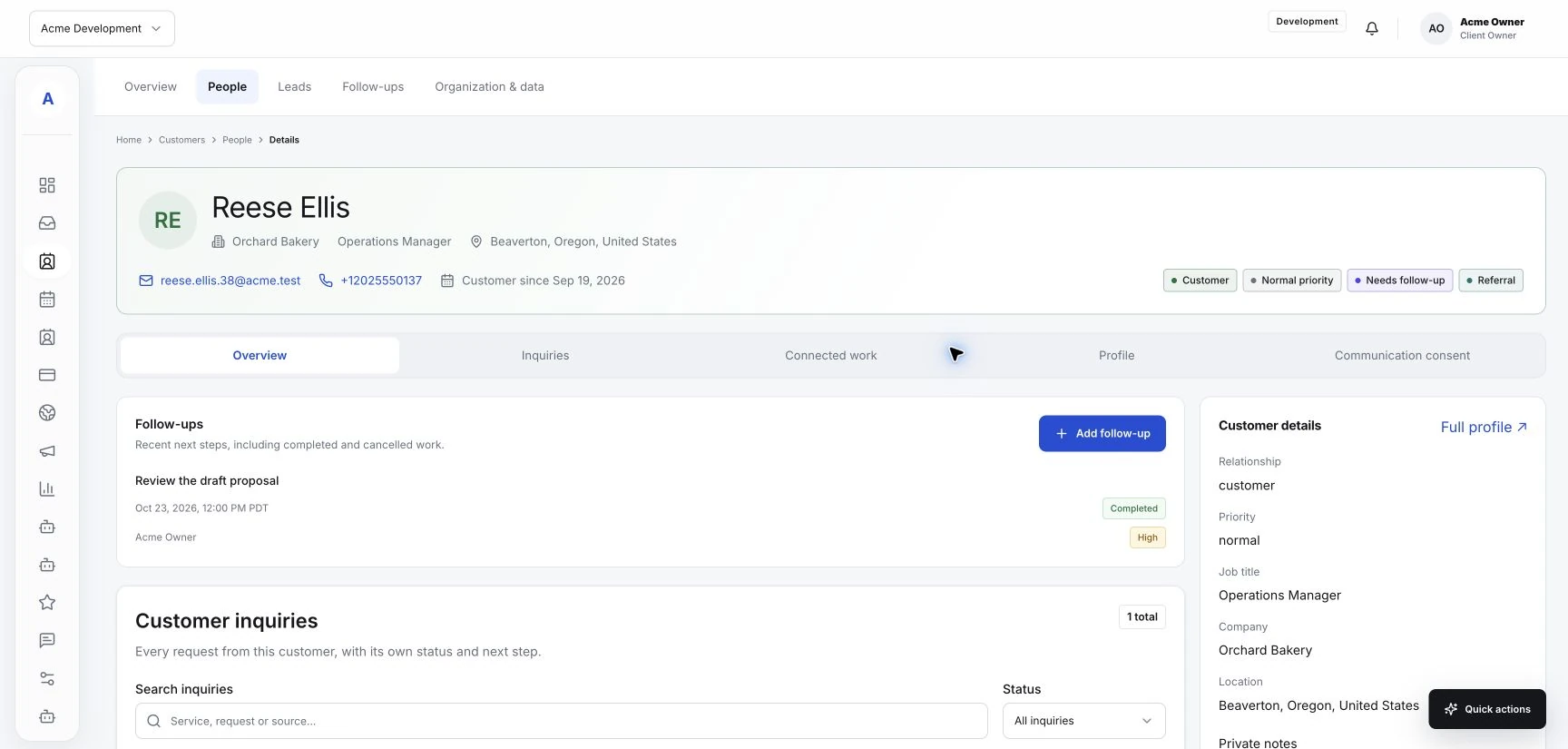
Every conversation is part of a customer relationship. See inquiries, bookings, notes and follow-ups around the same profile.
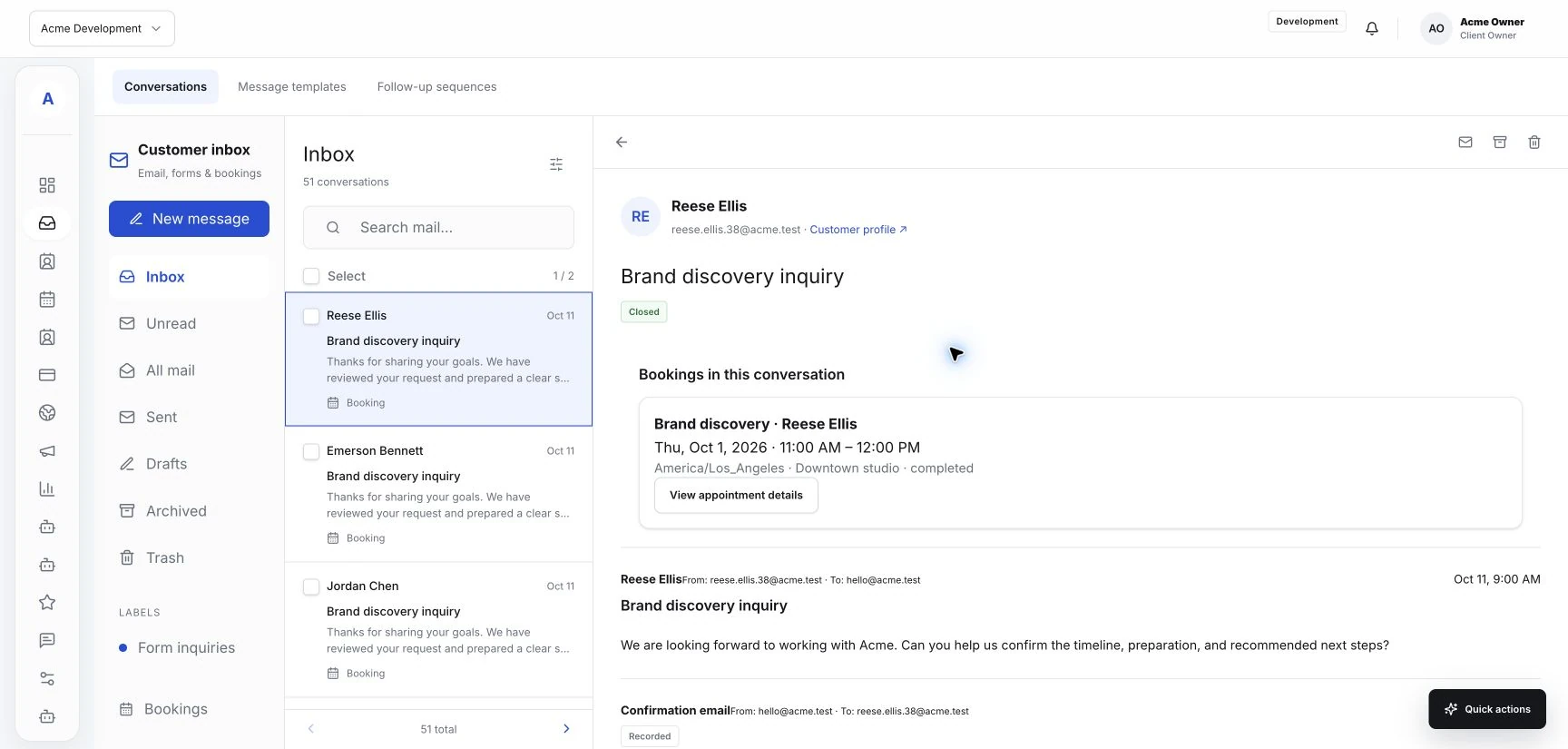
Bring connected email, form inquiries and booking conversations into a shared view. Read the context, reply or leave an internal note.
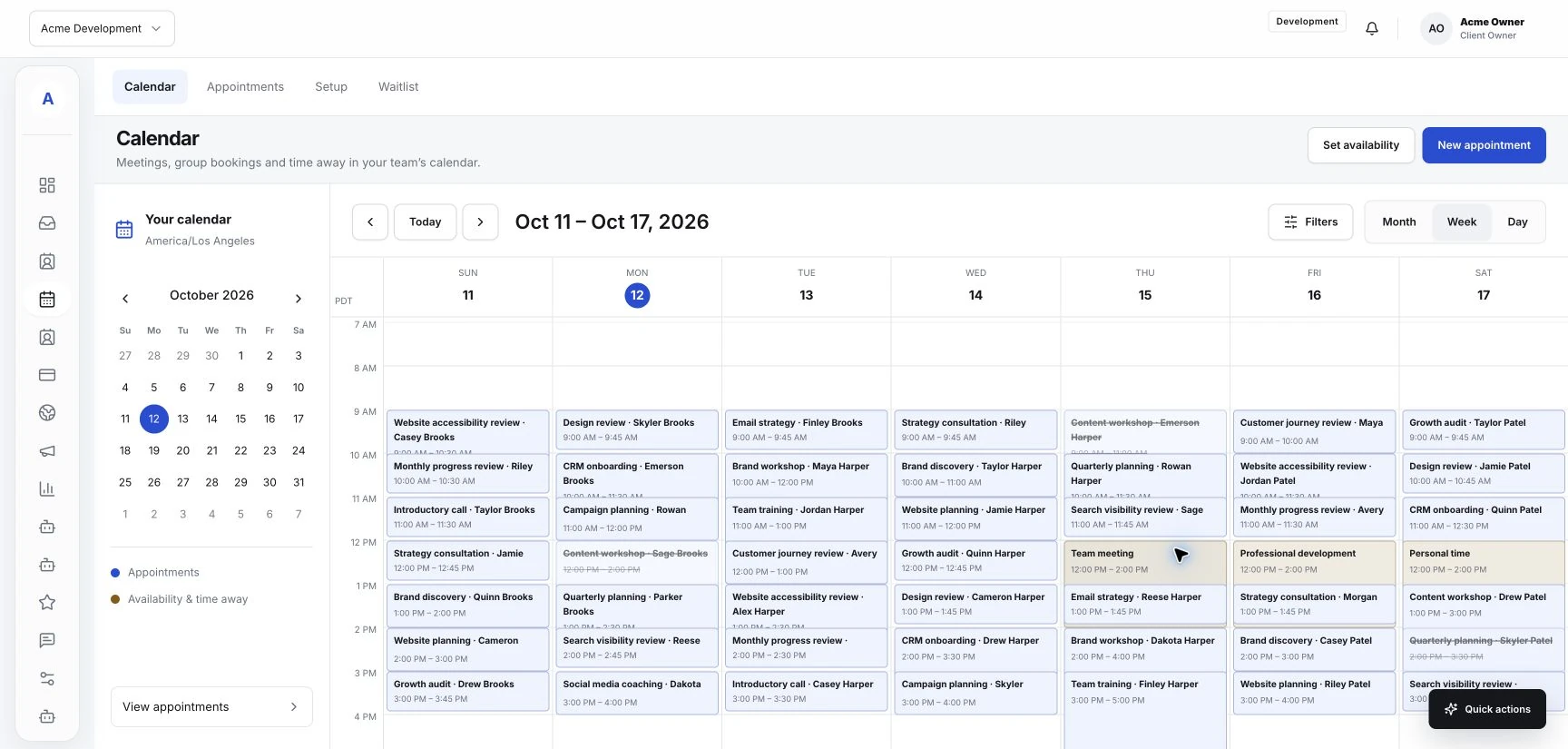
Connect your service menu, team and availability to the appointments on your calendar. Keep customer details close to each visit.
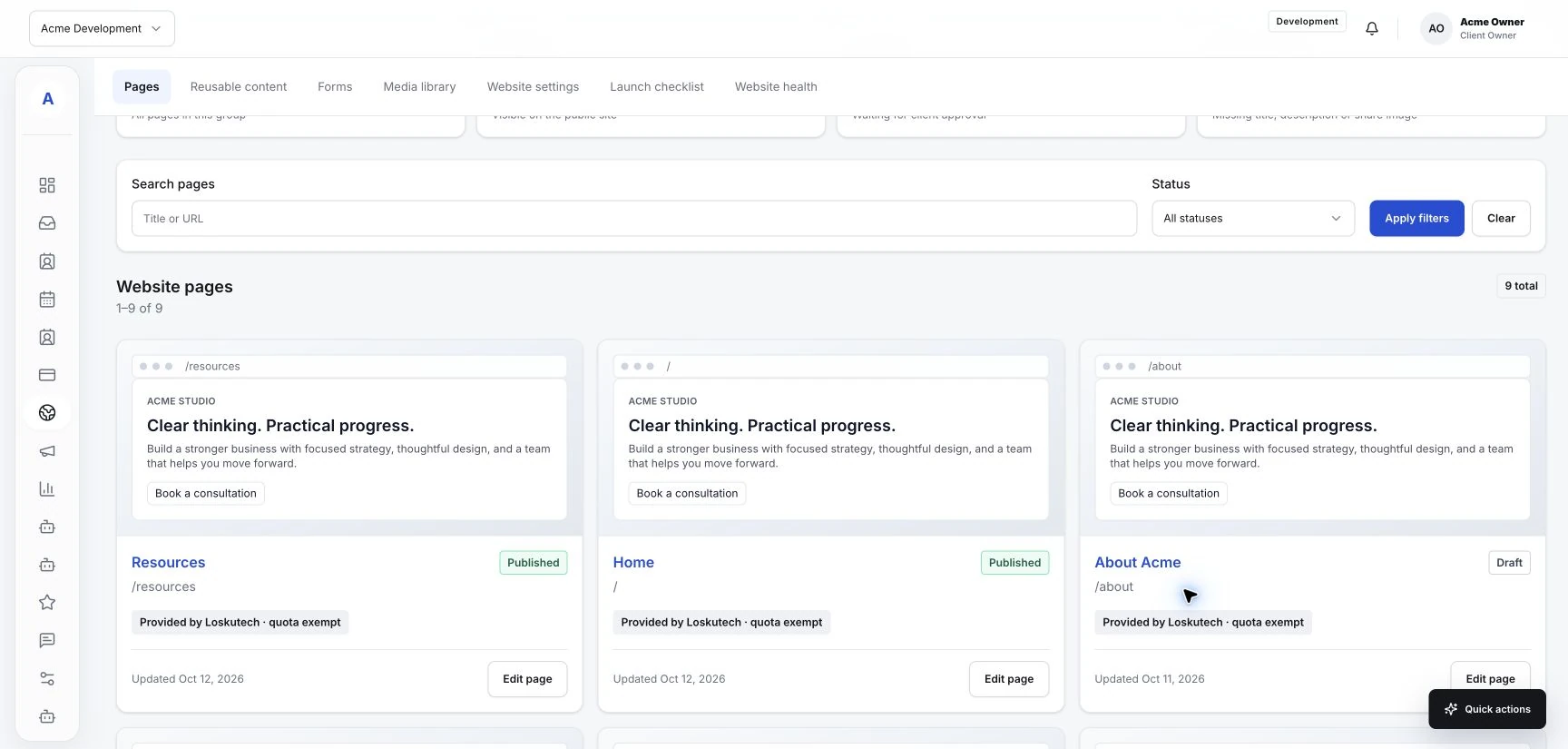
Give your business a website, useful forms and a path to booking. Handle the resulting customer work inside the same Hub.
Real screens, ready to explore. Click any image to take a closer look.
A home view for the work and relationships that need your attention.
Review incoming email, form inquiries and booking conversations.
Read booking context and compose a reply or internal note.
Find people, see their labels and open the customer record.
Keep customer details, inquiries, appointments and history together.
See scheduled work alongside customer and service details.
Manage the services customers can request or book.
Organize who can deliver each service and when.
Review your public pages and the customer journey they create.
Manage reusable forms and review the responses they capture.
Track opportunities and the next steps around prospective work.
Review recorded payments and the merchant connection status.
A shared entry to campaigns, content, landing pages and reporting.
Plan email content and review campaign details.
Plan scheduled content and coordinate reviews.
Review customer, booking and website activity in one view.
Create workflow drafts and review recorded runs; live execution requires enablement.
An assistant entry in the workspace; provider setup is still being prepared.
See the work awaiting review and recorded decisions.
Keep requests and the conversation around them organized.
Business information, services, domains and workspace controls.
Review workspace modules, allowances and available extensions.
No matching screens. Try “calendar”, “customer” or “website”.
Screens captured from the actual Hub on October 12, 2026. Acme Development contains fictional sample data. These are authenticated Hub captures, not public demo screenshots. Module access, live automation, AI and third-party connections depend on configuration and enablement.
Bring your customer work into one place. Start with the essentials and add the tools your business needs.