
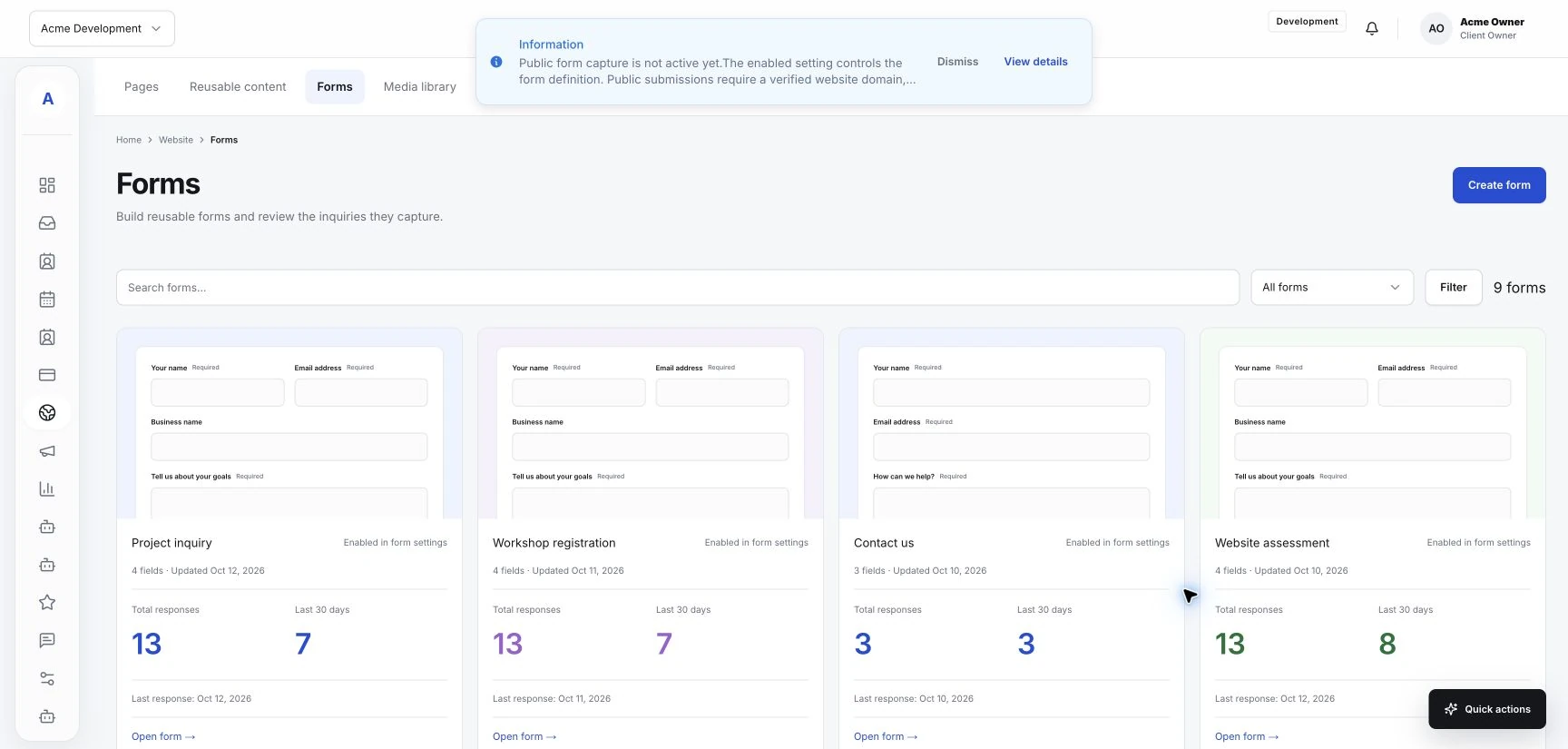
Build an intake form your team can use
Ask for the details that help you respond and schedule the right service, with a form that is easy for a customer to complete.
Read the guideGive your office and service team a common place for customer inquiries, contact details, follow-ups and scheduled work.
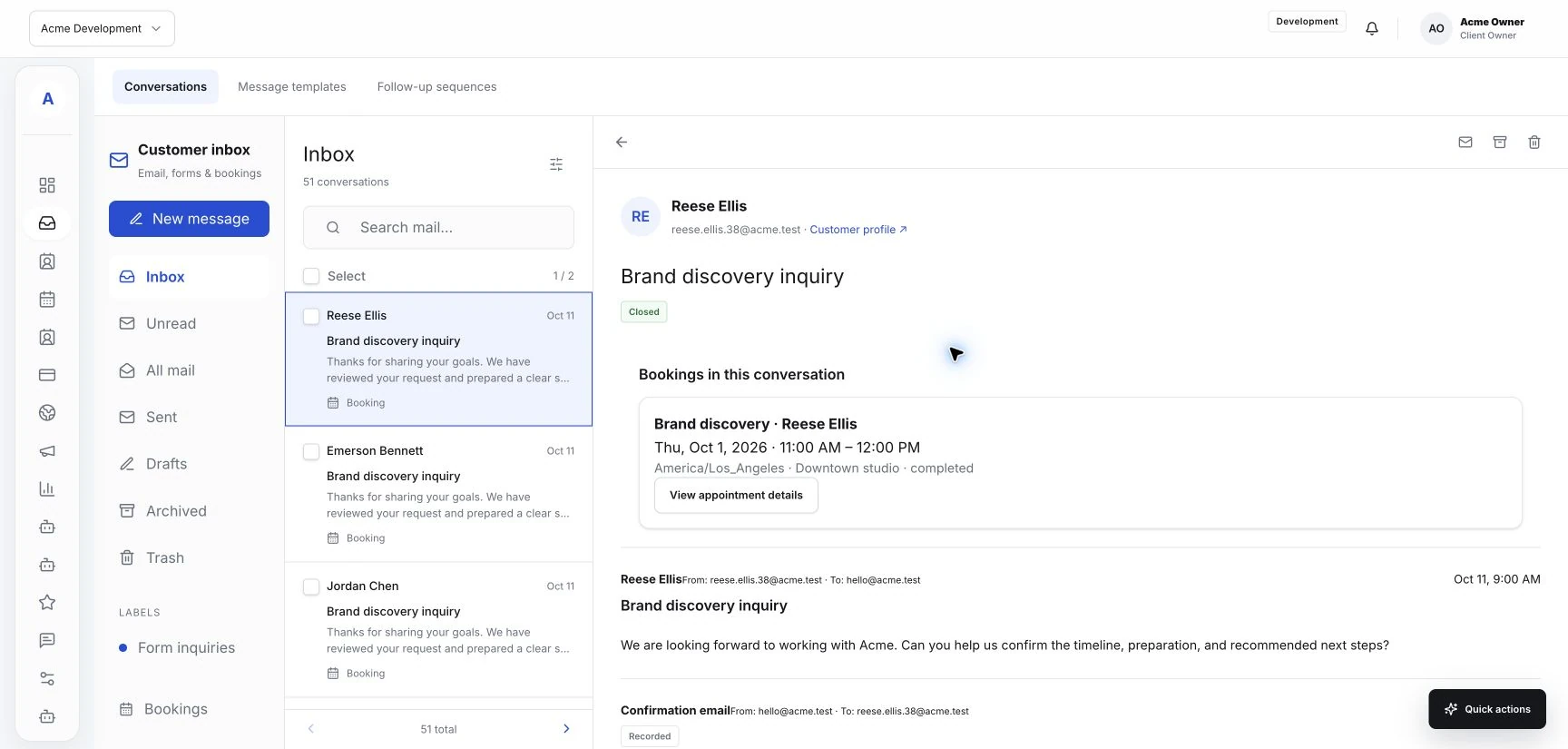
The practical details, connected to the people they belong to.
Build an inquiry form that asks for the details your team needs to understand the service request.
Review form submissions and connected email in a shared inbox, with the customer record close at hand.
Connect services and team availability to appointments, so customer details stay with the visit.
An example customer journey for a business that discusses the request before arranging the service.
Explore the connected toolsA service page leads to an intake form with a contact method and a plain description of the work needed.
The team reads the inquiry, checks the customer record and gets any missing details through the connected conversation.
Arrange the appropriate appointment and keep the service and customer information with the calendar entry.
Ask for the details that help you respond and schedule the right service, with a form that is easy for a customer to complete.
Read the guide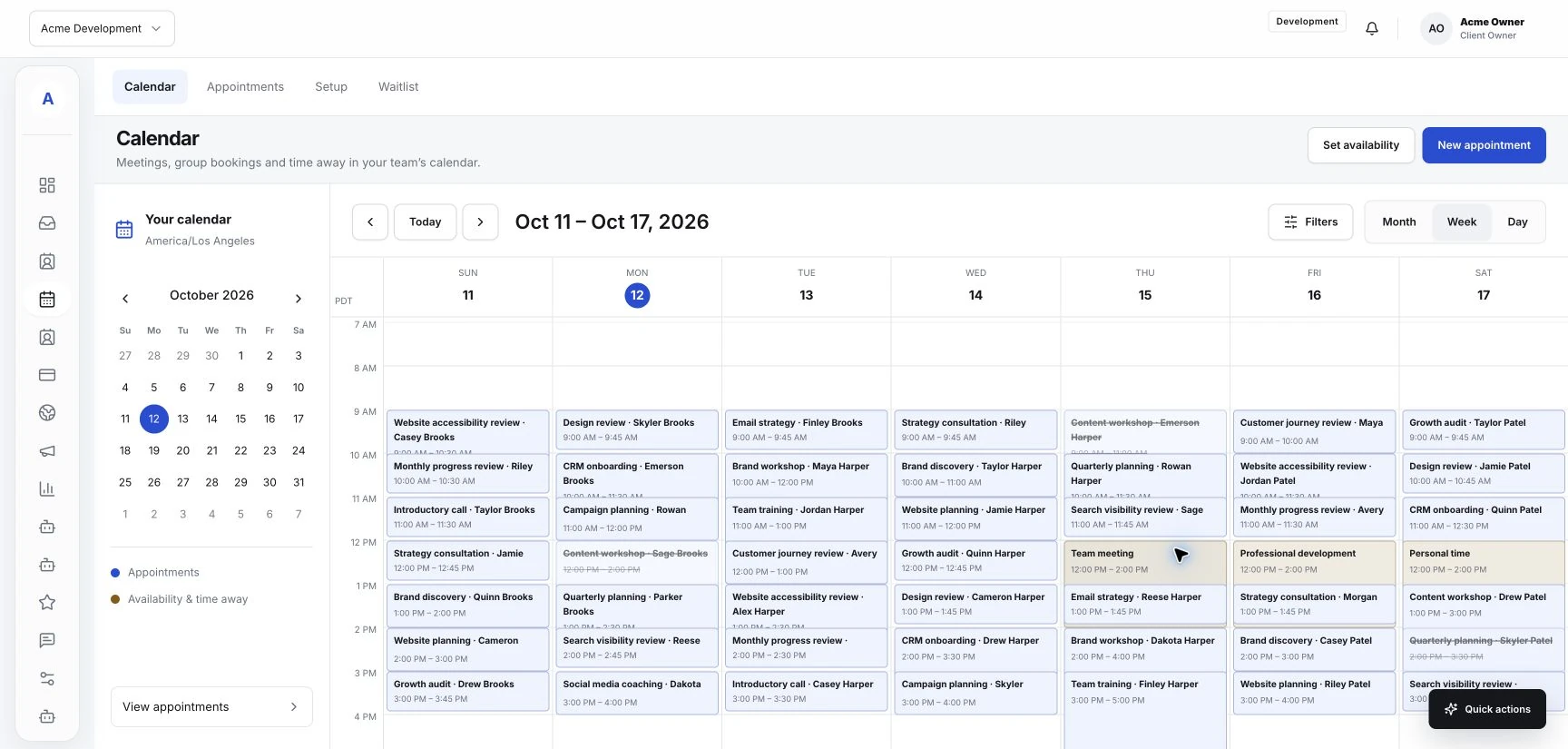
Connect your service information, inquiry forms, and booking options so visitors can understand the next step.
Read the guide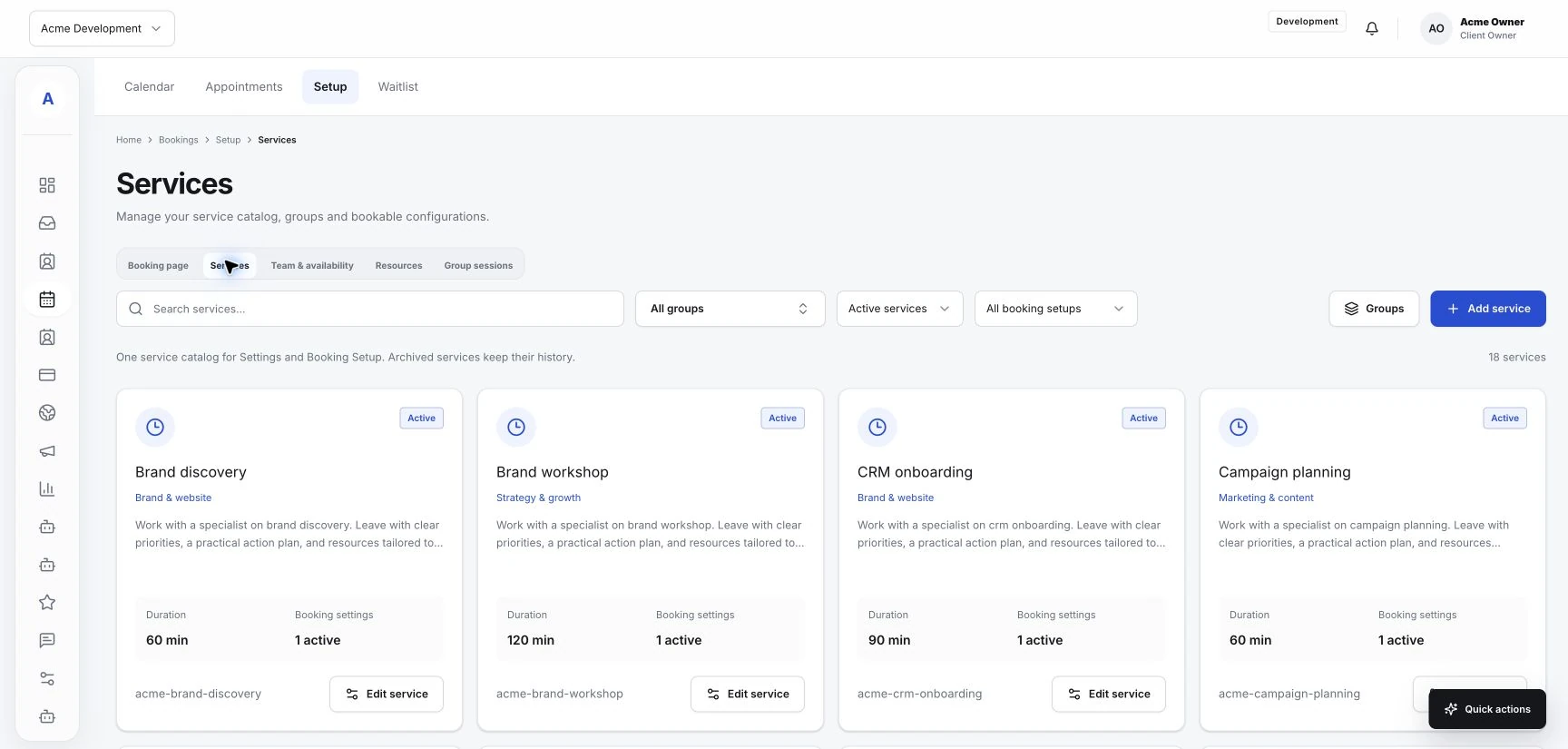
Make service names, team responsibilities, and booking availability reflect how your business actually works.
Read the guideBring your customer work into one place. Start with the essentials and add the tools your business needs.