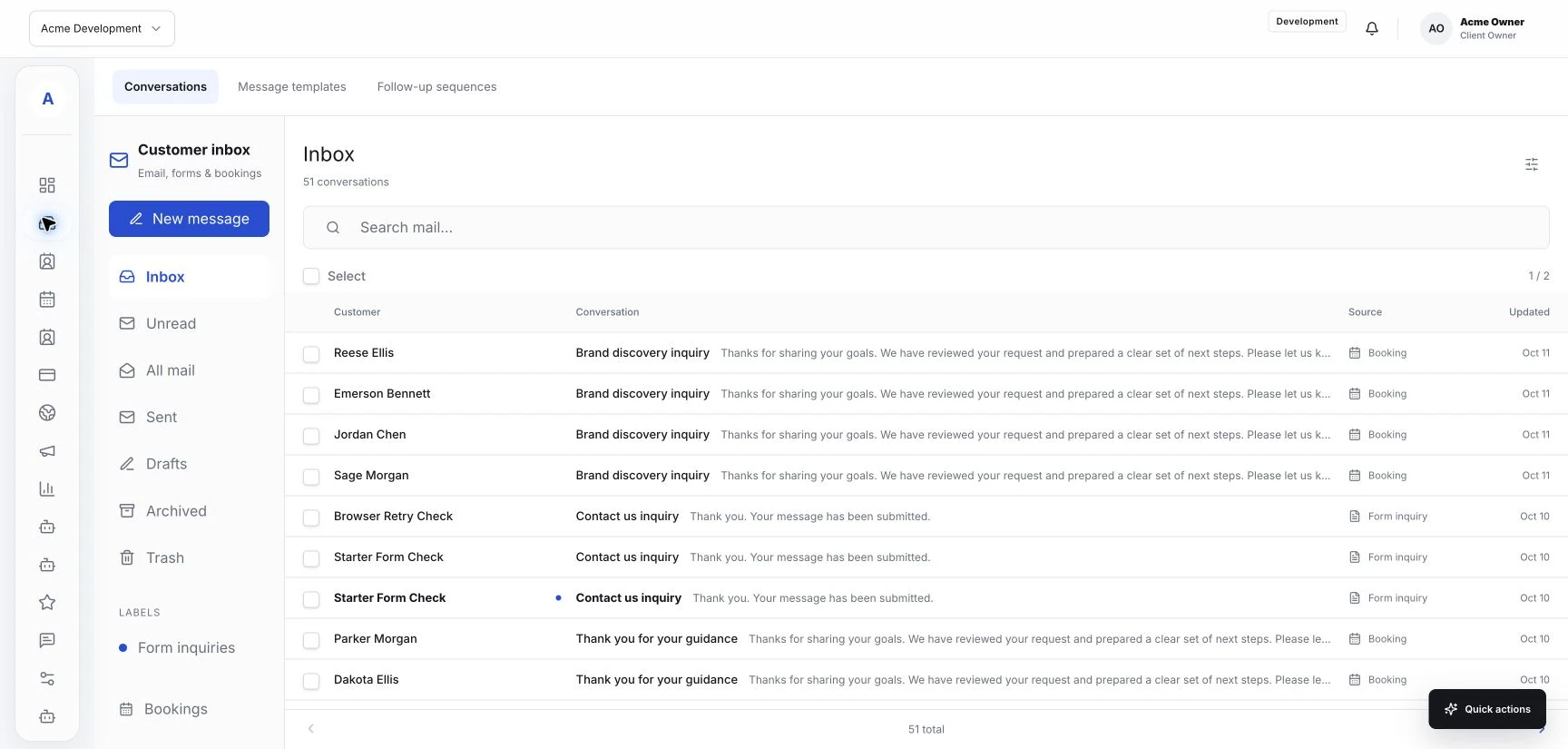
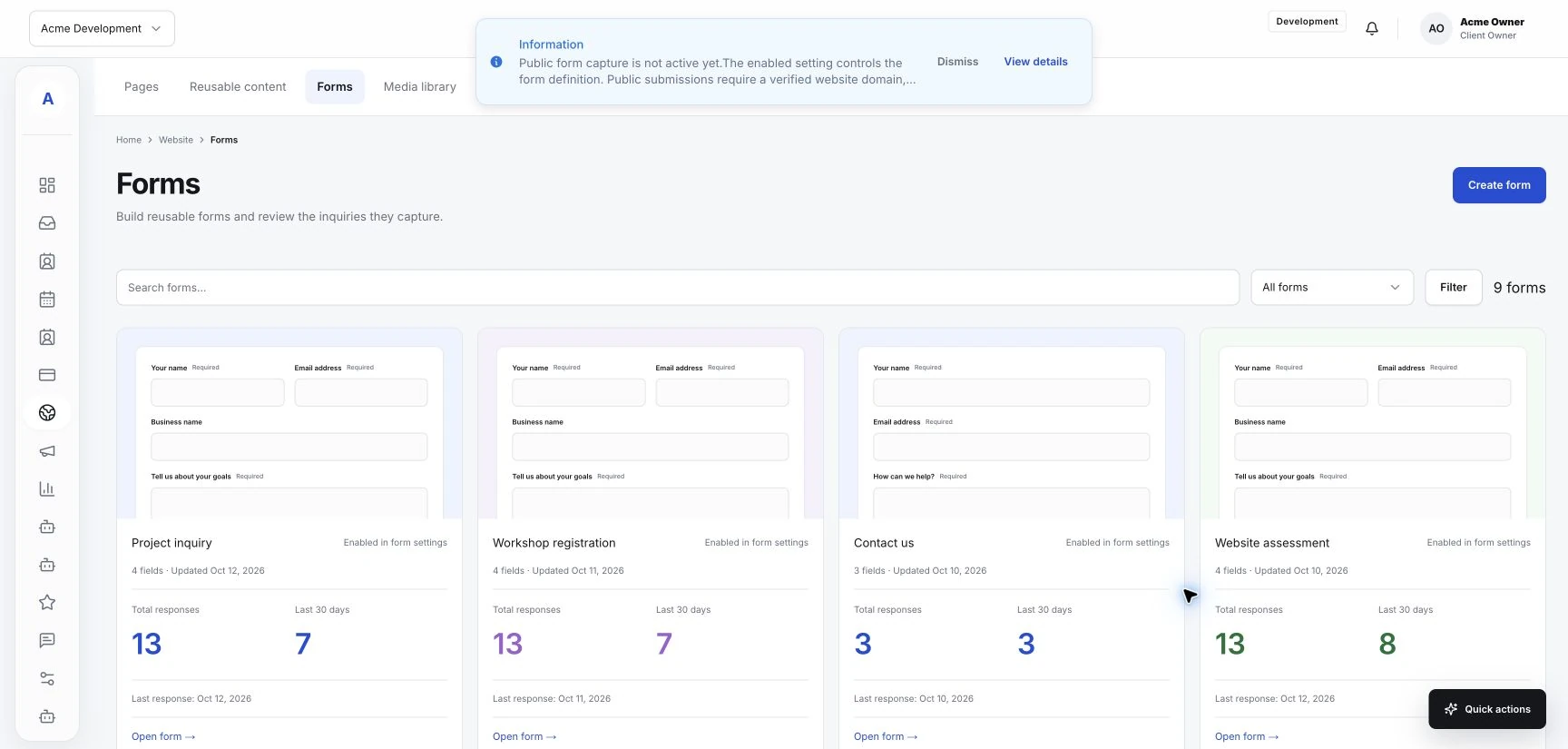
An intake form should help a customer explain what they need and help your team decide what happens next. It does not need to collect every detail you might eventually discuss. Hub's forms, shared inbox, and customer profiles can support that first exchange. Start by deciding what your team needs to understand before replying or arranging a service.
Start with the decision the form supports
Choose a clear purpose for the form. It may collect a general inquiry, prepare for a consultation, or help a customer request a particular service. Give the form a title that describes that purpose in words your customers use.
Write down what someone on your team needs to decide after reading the submission. That decision provides a useful test for each proposed question. Include a question when its answer helps your team take that next step.
Ask for enough context to respond
Make it easy to understand who is contacting you and what they are asking about. A short service choice can help when your business offers several kinds of appointments. A plain text question gives customers room to describe a request that does not fit a category.
Use clear labels and explain unfamiliar terms. If a field is optional, make that visible. Only request information your team has a reason to use at this stage.
- Name and a useful contact method.
- The service or question the customer wants help with.
- A short description of the request.
- Preferred timing, when it helps your team arrange the next step.
Set expectations before submission
A customer should understand what submitting the form will do. If the form sends an inquiry for your team to review, say so. If the next step is booking an appointment, explain where they can do that. Avoid language that suggests an inquiry already confirms a booking.
Keep the submission button specific to the action. Phrases such as Send inquiry or Request a consultation help customers understand the stage they are completing.
Check the form from both sides
Complete the form as a customer would, including from a phone. Read the labels, check the required fields, and review the confirmation message. Then find the test submission in the destination configured for your Hub workspace.
Check that the teammate reviewing it has the information needed to reply. Where customer fields or source connections are configurable, verify them using the actual submitted details.
Improve it from real questions
After your team starts using the form, note which answers are unclear and which details you repeatedly request afterward. Use those observations to refine the questions. A useful form grows from the conversations your business actually handles.