
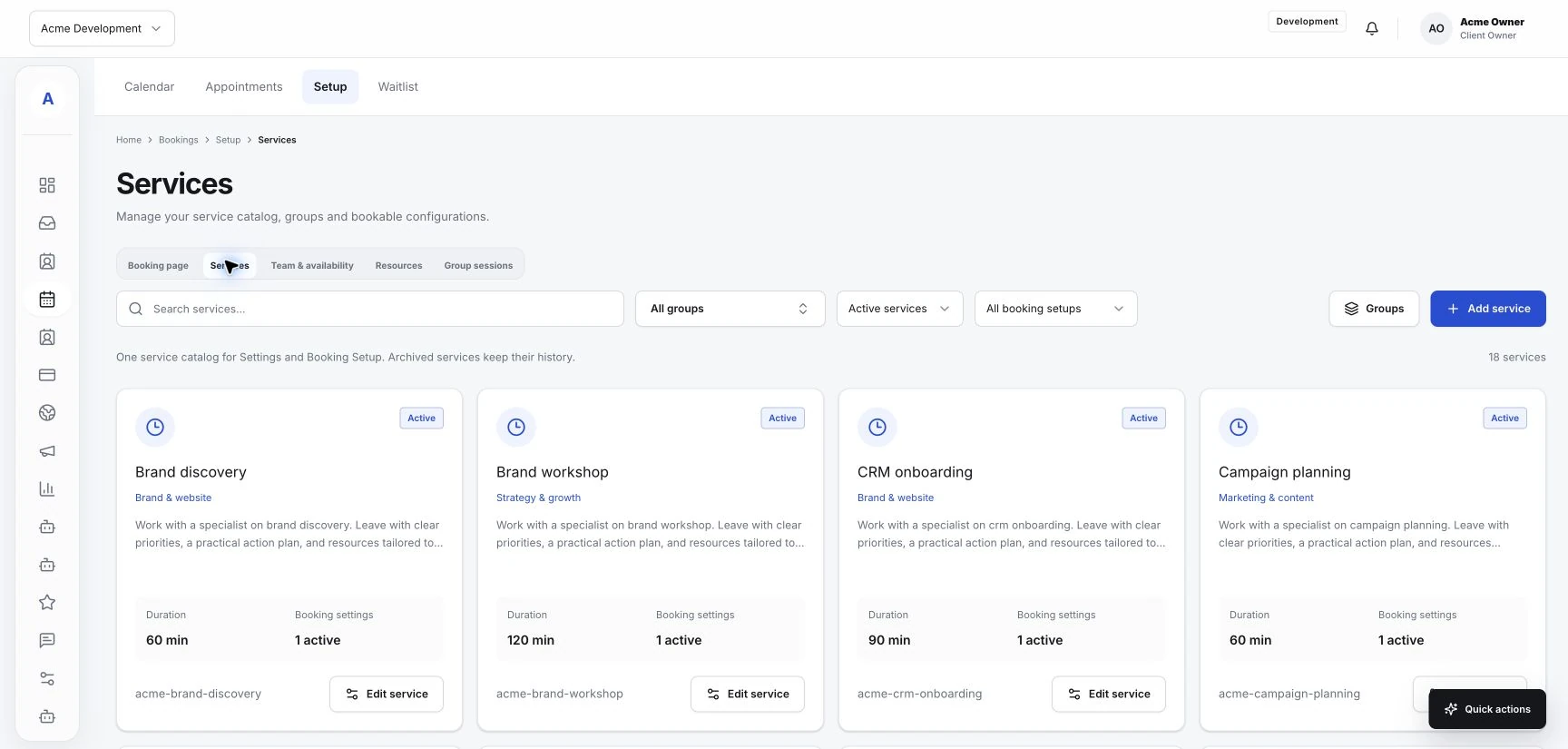
Set up services and availability around your working day
Make service names, team responsibilities, and booking availability reflect how your business actually works.
Read the guideKeep your client relationships, service menu and appointment schedule together, from the first question to the next visit.
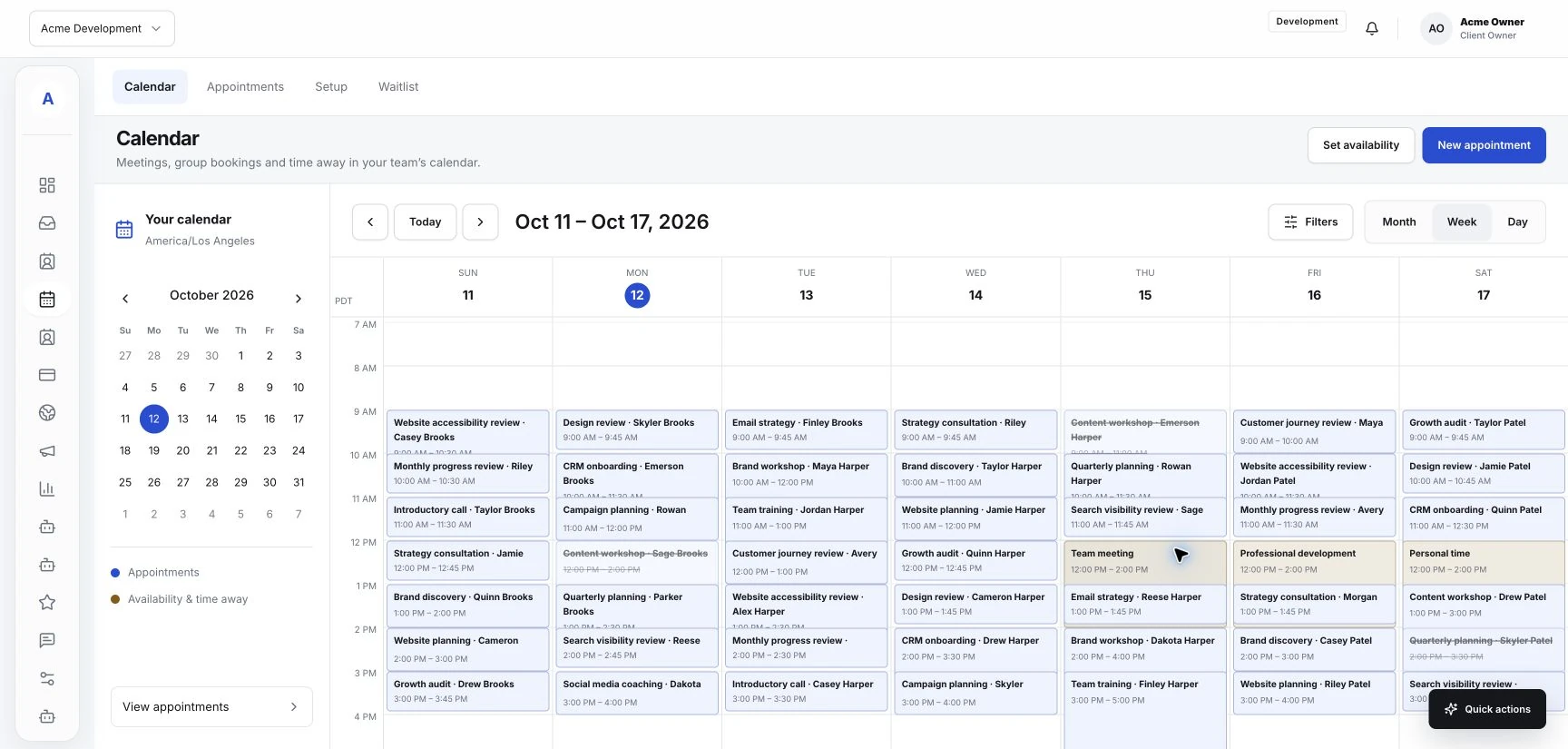
The practical details, connected to the people they belong to.
Customer profiles keep contact details, notes, inquiries and appointment history in the same place.
Manage services and team availability alongside the calendar your studio uses every day.
Use your website and booking page to explain the services you offer and help clients take the next step.
An illustrative studio workflow using the shared tools in Hub. Shape the service menu and availability around your business.
Explore the connected toolsYour website explains the visit. They can ask a question through a form or head to the booking page.
The inquiry stays with the client profile. Teammates can see what was asked before they respond.
The selected service, time and customer details appear together for the team preparing for the appointment.
Make service names, team responsibilities, and booking availability reflect how your business actually works.
Read the guide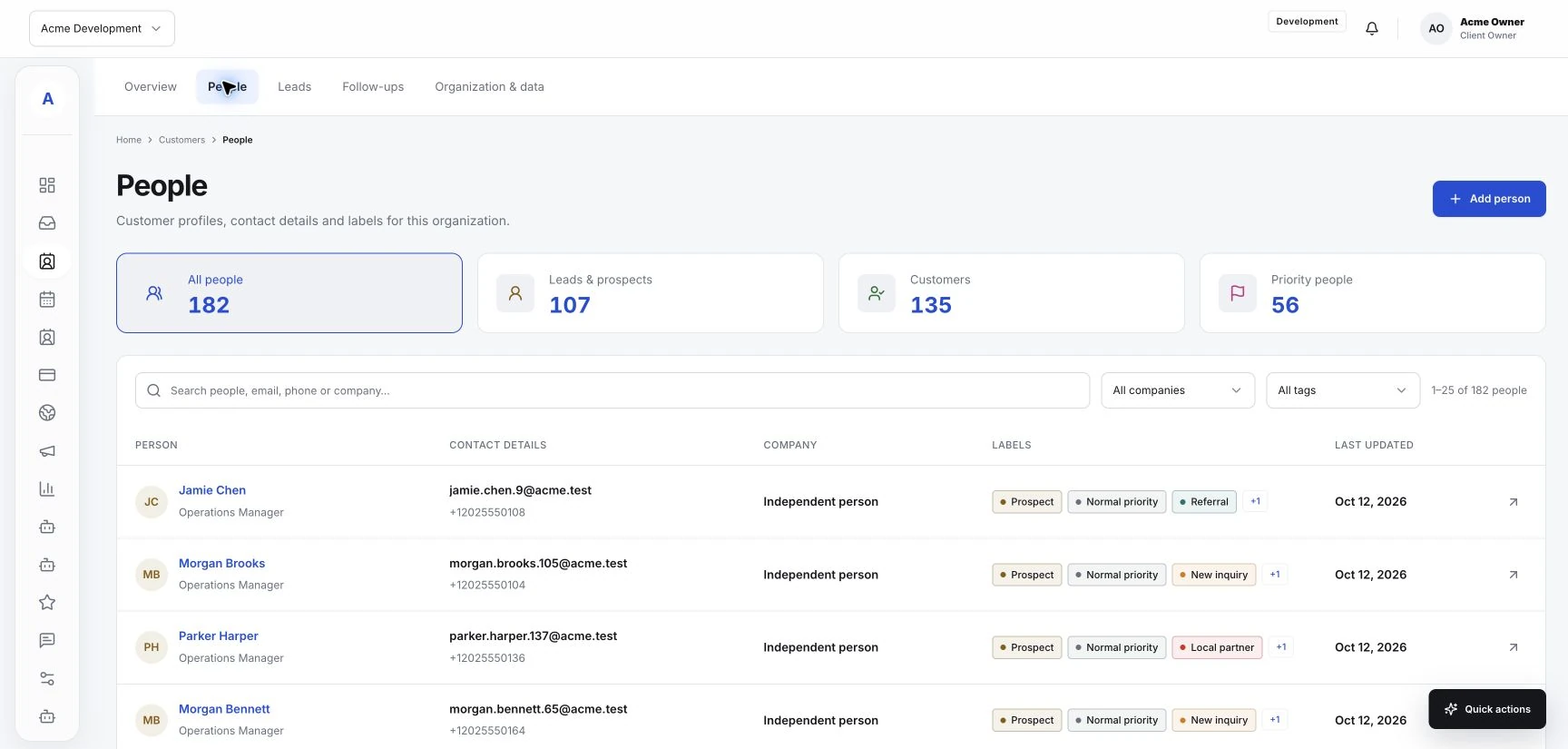
Use conversation history and customer context to send follow-ups with a clear purpose and next step.
Read the guide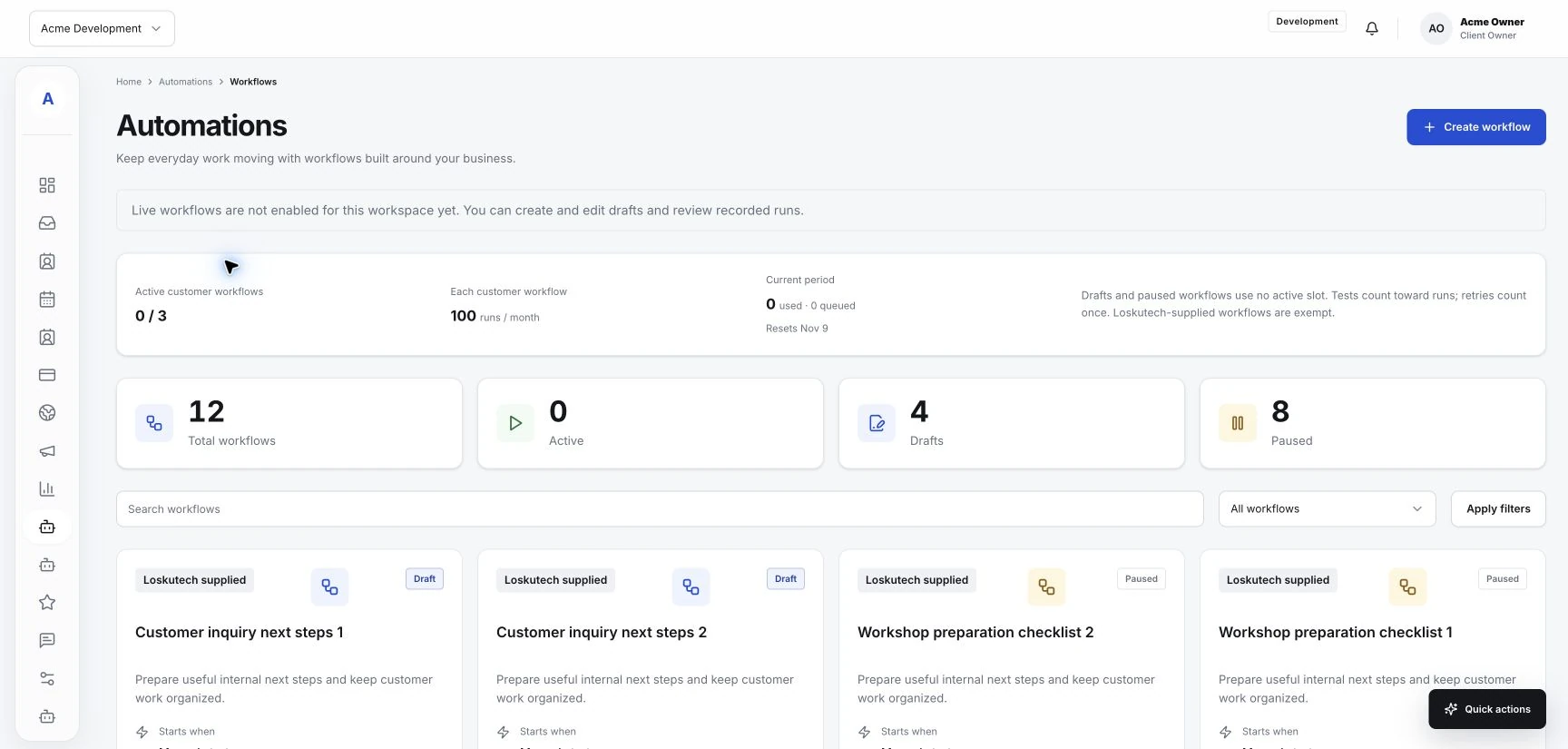
Start with a repeatable process, check the available controls, and test the result before relying on an automation.
Read the guideBring your customer work into one place. Start with the essentials and add the tools your business needs.