Your schedule needs to reflect the work your team can deliver. A service name, a calendar entry, and a team member's availability should tell a consistent story. Hub brings services, scheduling, and team information into the same workspace. Preparing those areas together can make booking decisions easier for both your customers and the people handling their requests.
Use service names customers understand
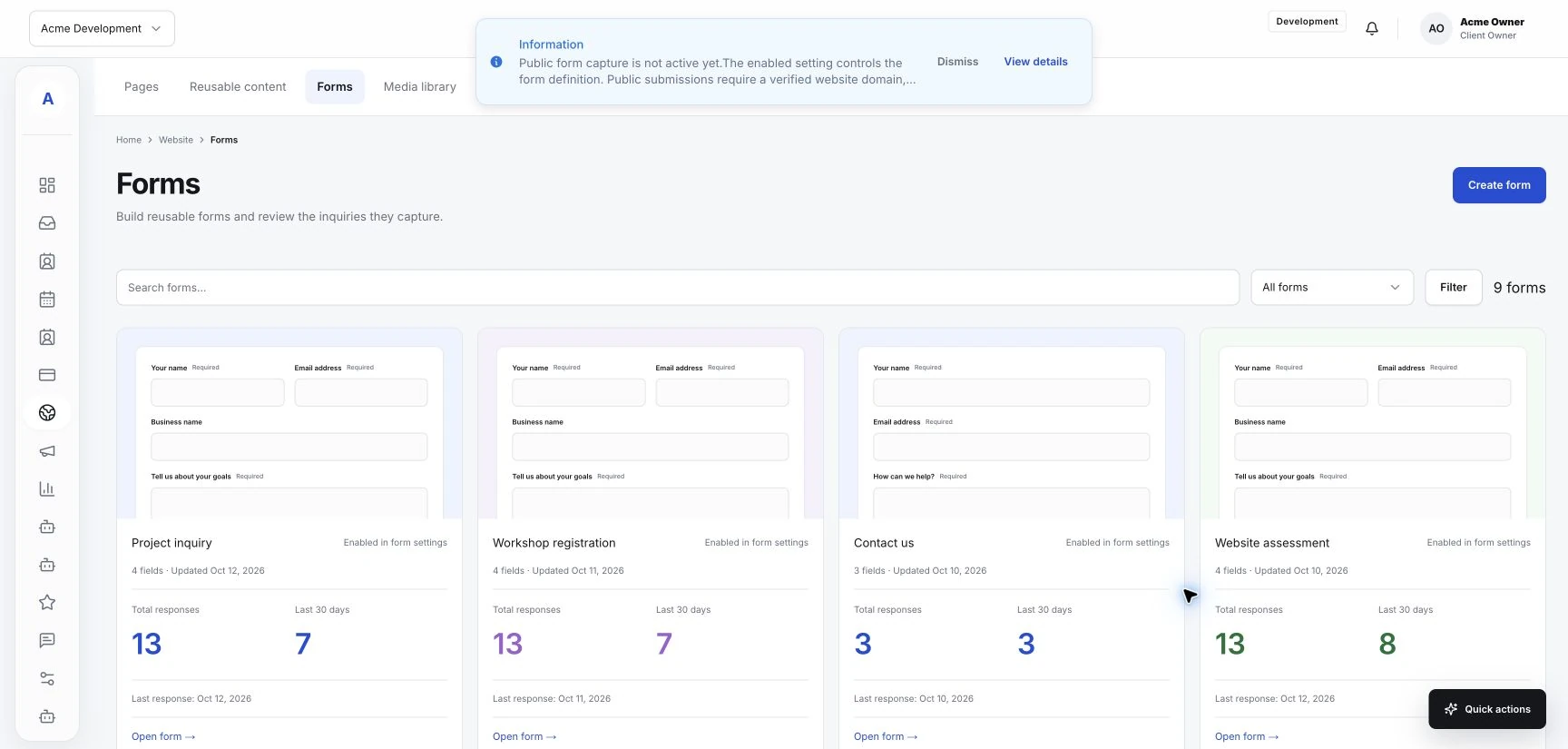
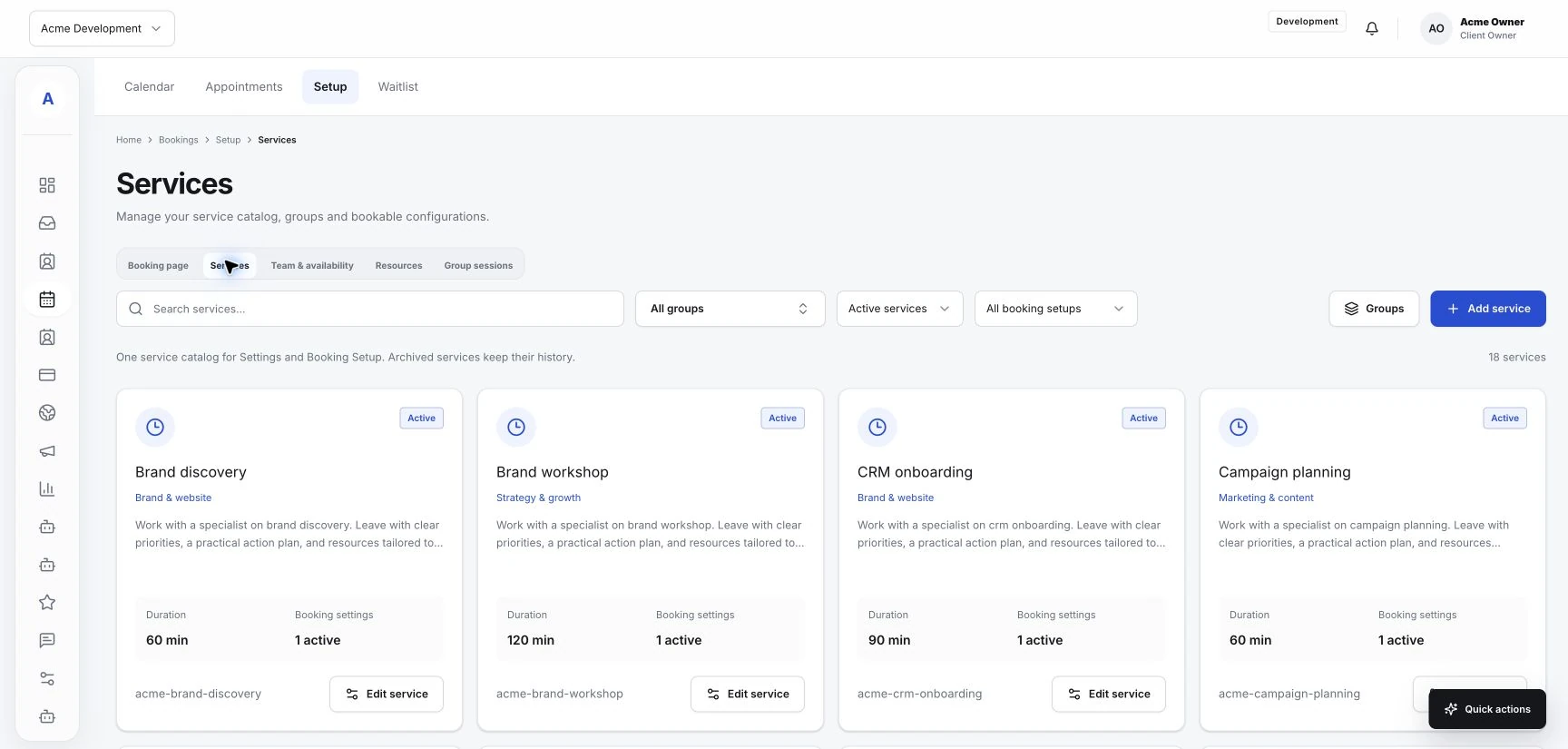
Review the services your business offers and give each one a clear name. Describe what the customer is requesting and any preparation they need before the appointment. Use the same wording on your website and forms so people recognize the service when they reach the booking step.
If your scheduling setup supports service durations or preparation time, enter values based on the way your team actually works. Include time needed between appointments wherever the available controls allow it.
Make team responsibilities explicit
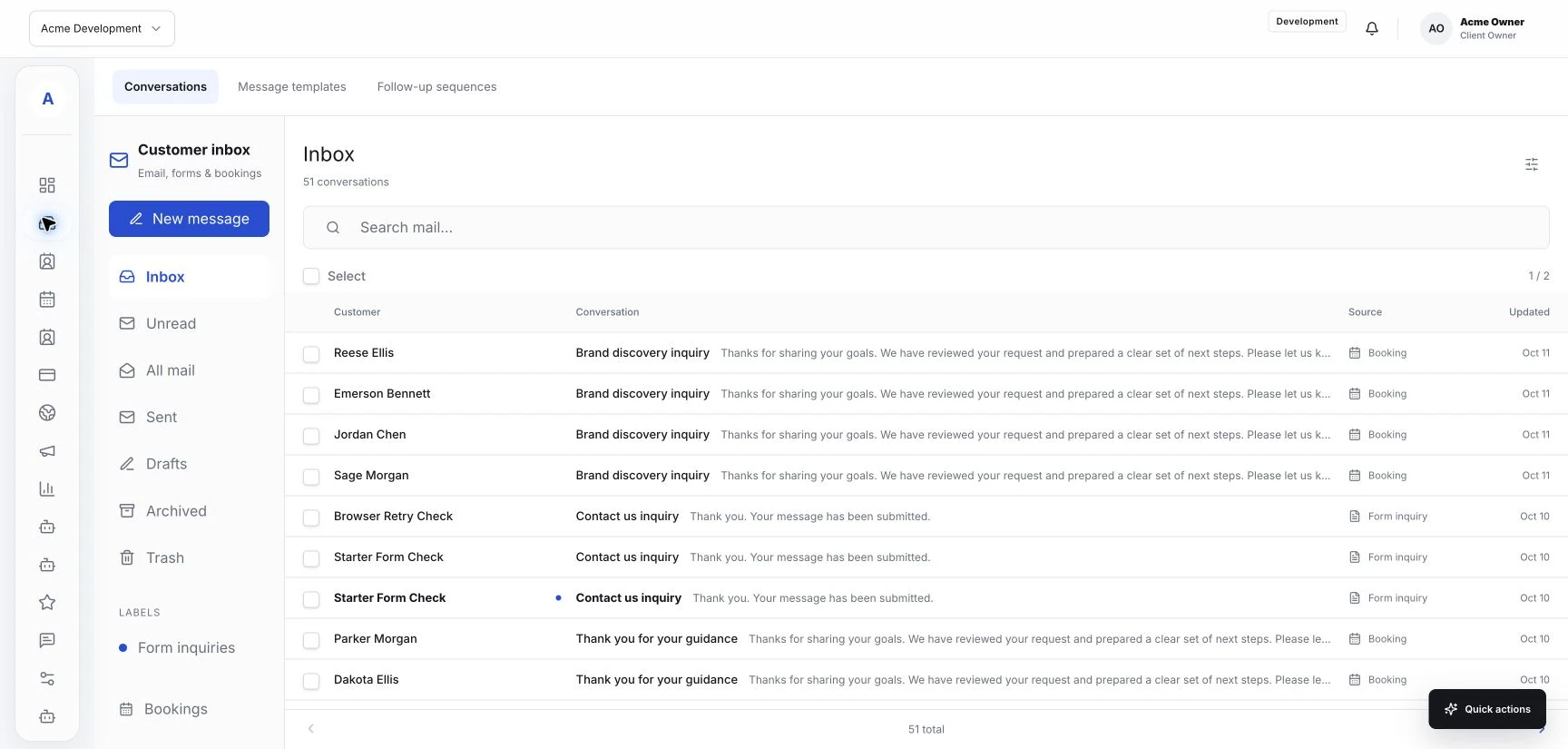
Decide who delivers each service and who answers questions about it. A teammate reviewing the inbox needs to know where to take an unusual request. A customer booking an appointment needs options that match what the business can provide.
Review the team information in Hub and any service assignments your workspace supports. Check names and responsibilities together. Keep this information current when someone changes their working pattern or the services they provide.
Check availability against the real calendar
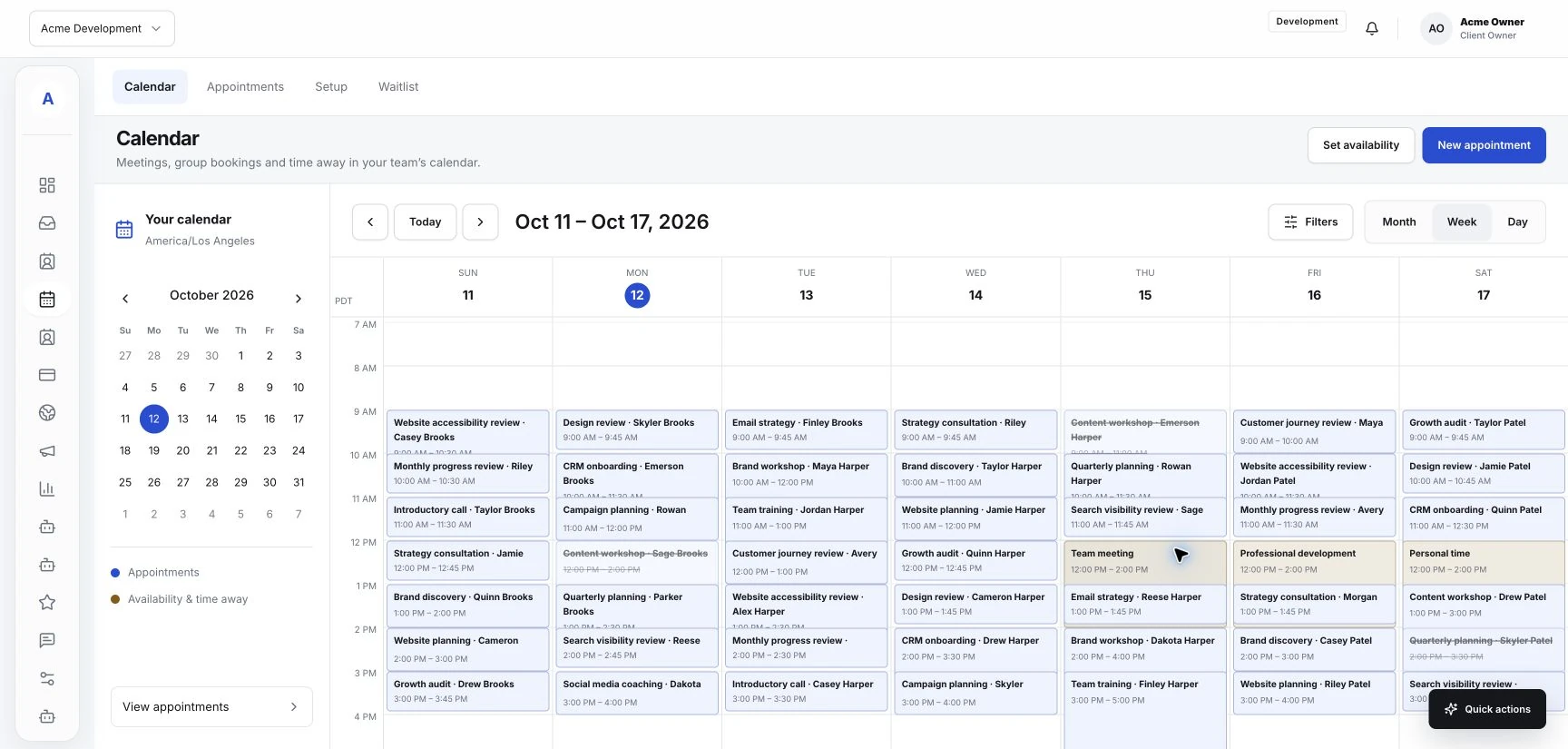
Compare the times shown to customers with the team's actual working hours. Consider breaks, existing appointments, time away, and preparation for the next service. Configure these details using the availability options supported by your booking setup.
If availability relies on an external calendar connection, confirm that the connection is configured and test how it handles a busy period. Do not assume a calendar is being checked simply because its name appears in your process.
Try a booking as a customer
Choose a service and walk through the available booking route. Check whether the service description, team selection, and visible times match your expectations. Review the result inside Hub so you understand what the team sees after the customer completes the flow.
- Can the customer recognize the service they need?
- Do the team options reflect who can provide it?
- Are the available times consistent with the working day?
- Does the confirmation explain what happens next?
Assign someone to maintain the setup
Choose who updates service information and availability when the business changes. Review the setup after changes to hours, staffing, or the service menu. Keeping that responsibility clear helps your published booking options stay aligned with daily work.