
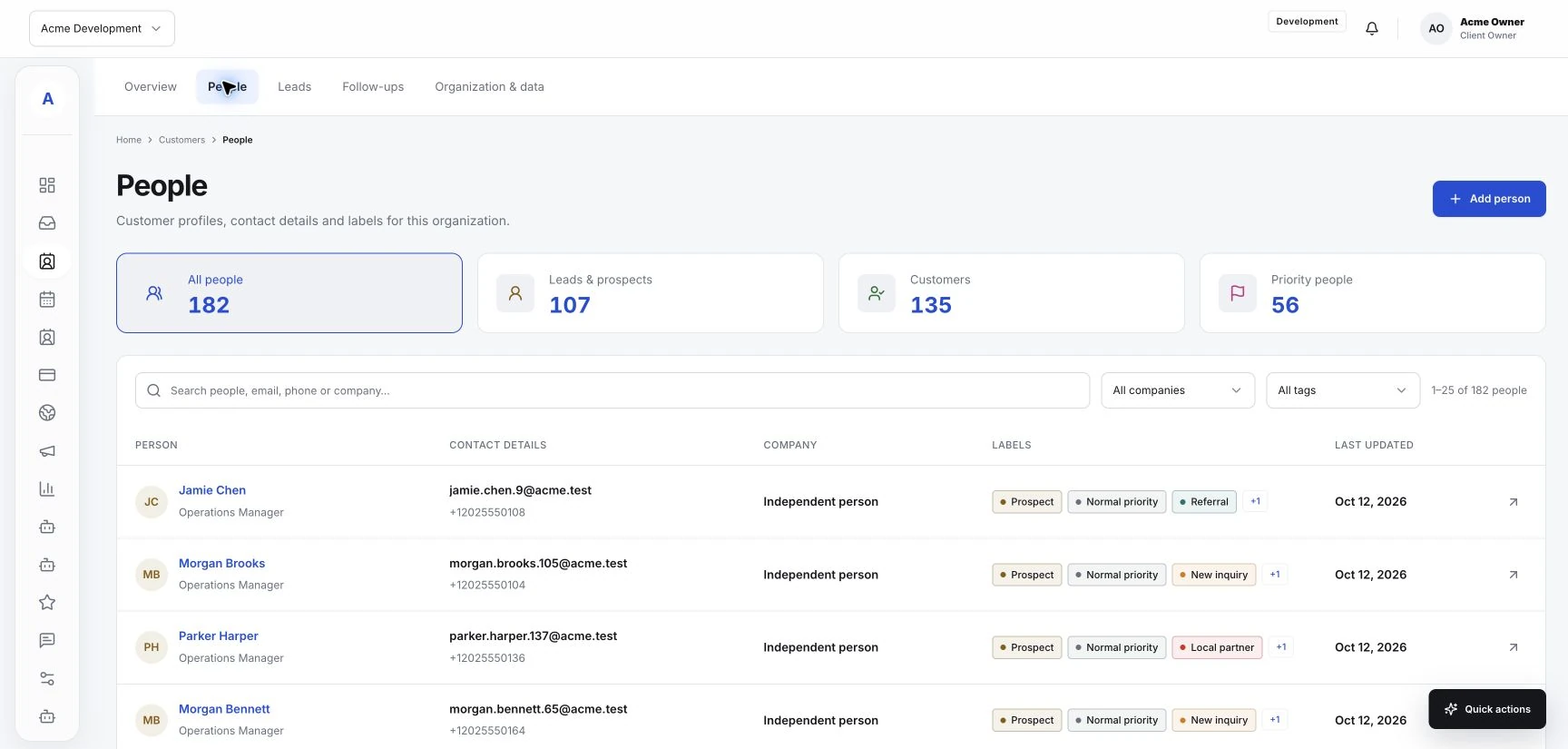
Make customer follow-ups useful and timely
Use conversation history and customer context to send follow-ups with a clear purpose and next step.
Read the guideBring incoming inquiries, customer profiles, consultations and follow-ups into the same workspace for your team.
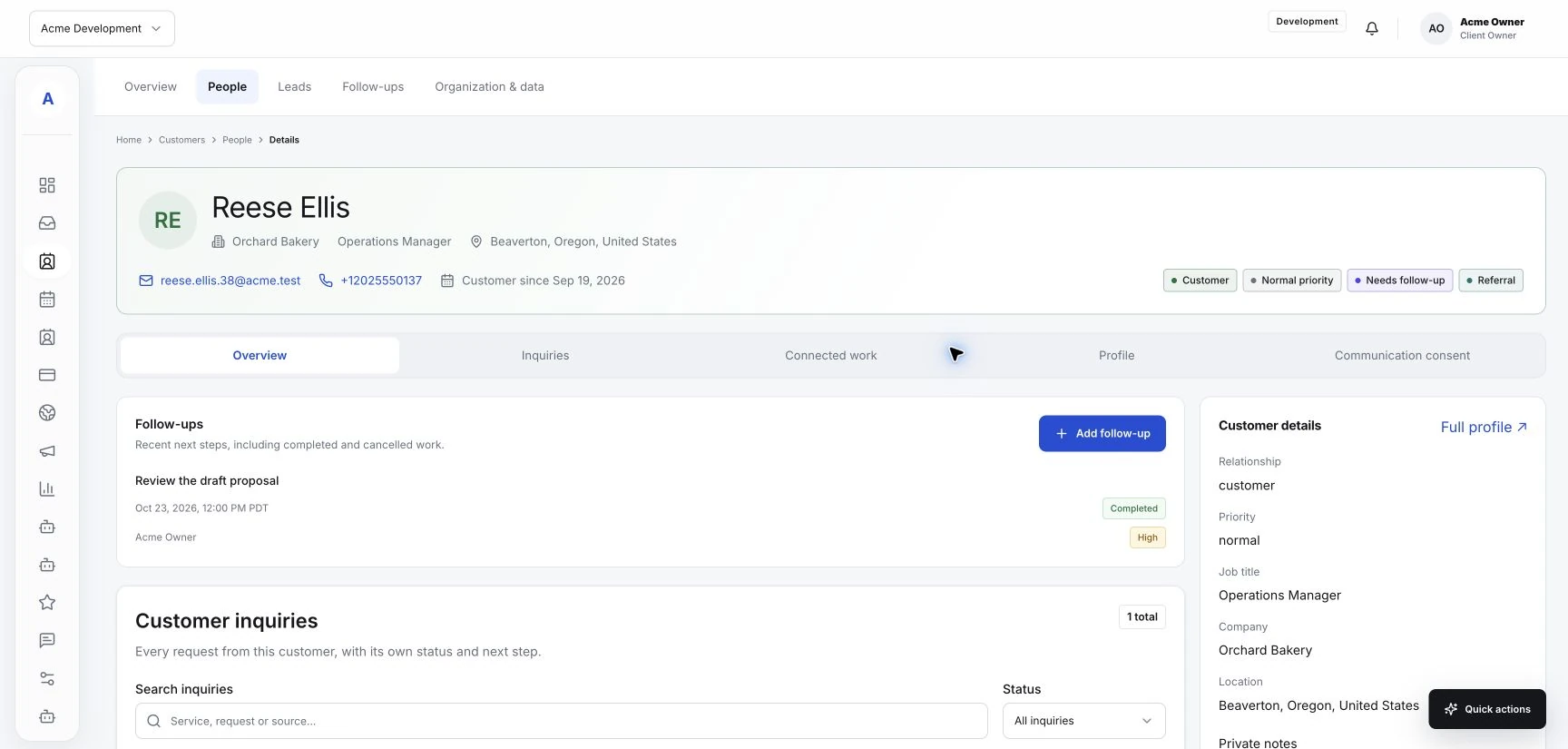
The practical details, connected to the people they belong to.
Customer profiles bring contact information, conversations, notes and appointments into one view.
Website forms and connected email give incoming requests a shared destination and a clear next step.
Publish bookable services and use availability settings that reflect who can take each meeting.
An illustrative consultation workflow. Optional sales tools can extend the process when your workspace enables them.
Explore the connected toolsA focused website form asks what they want help with and how your team can reach them.
Review the inquiry and customer history, record relevant details and agree on the next step.
Arrange a meeting through your booking setup. Keep the conversation and follow-up with the same person.
Use conversation history and customer context to send follow-ups with a clear purpose and next step.
Read the guide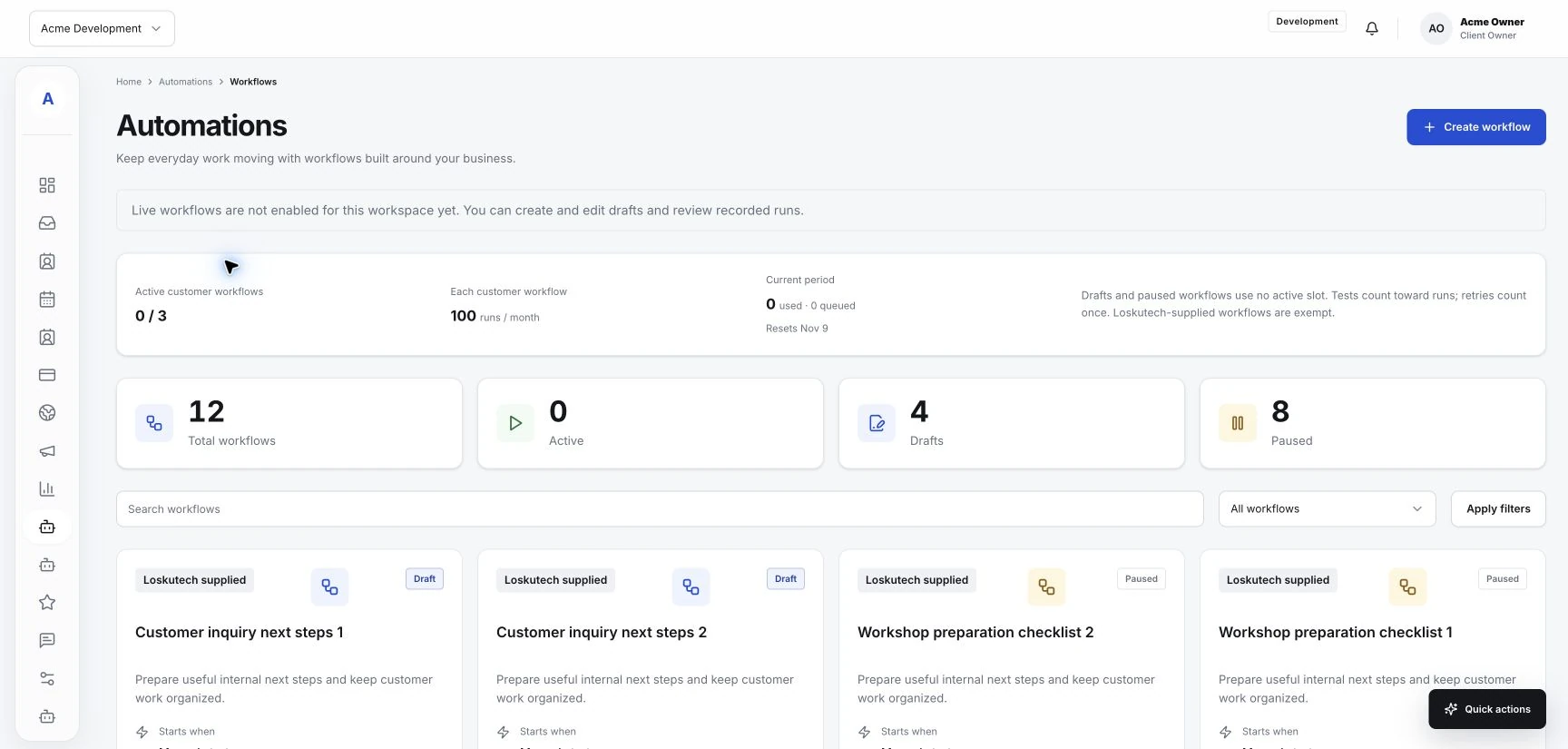
Start with a repeatable process, check the available controls, and test the result before relying on an automation.
Read the guide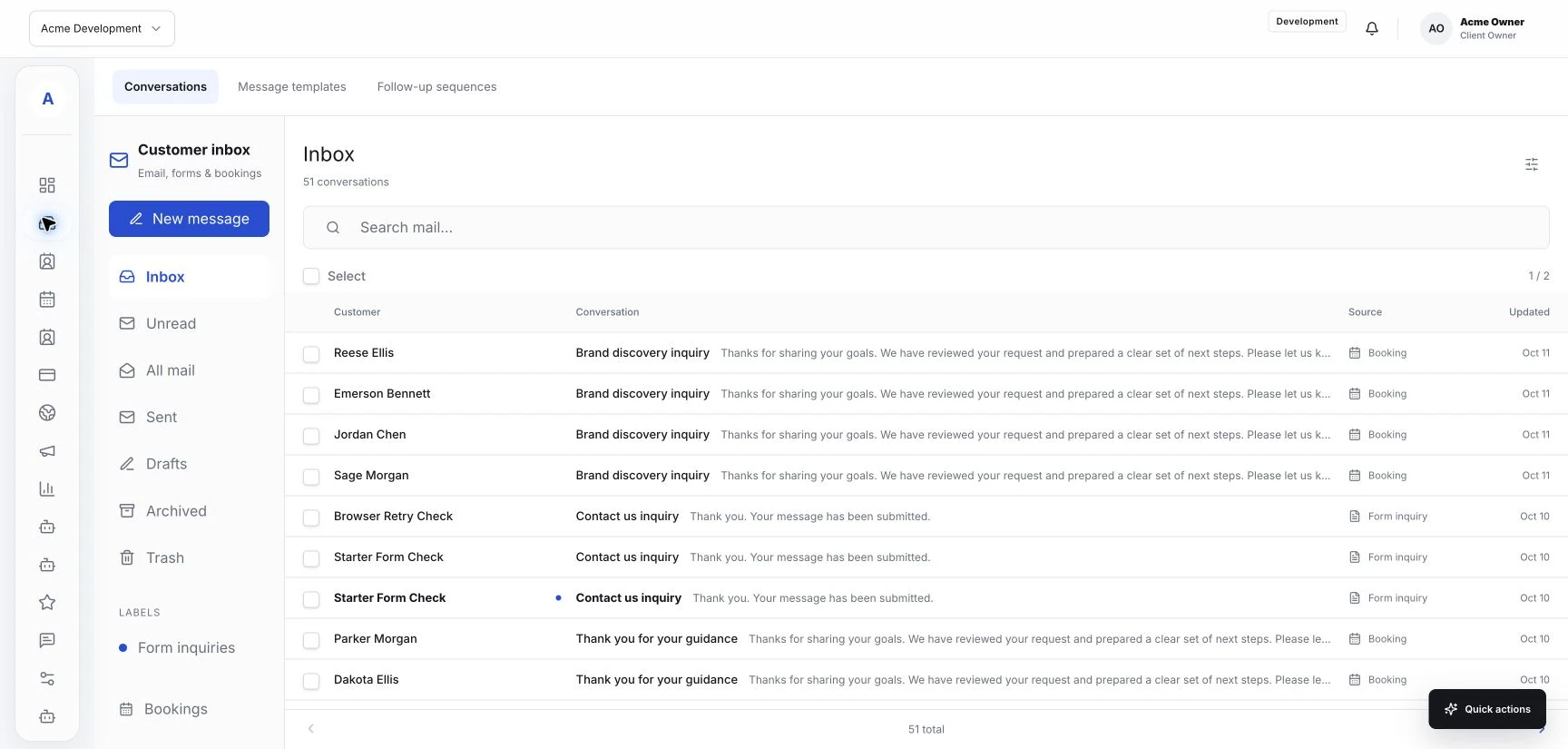
A practical way to review incoming messages, keep customer context close, and make the next step clear to your team.
Read the guideBring your customer work into one place. Start with the essentials and add the tools your business needs.