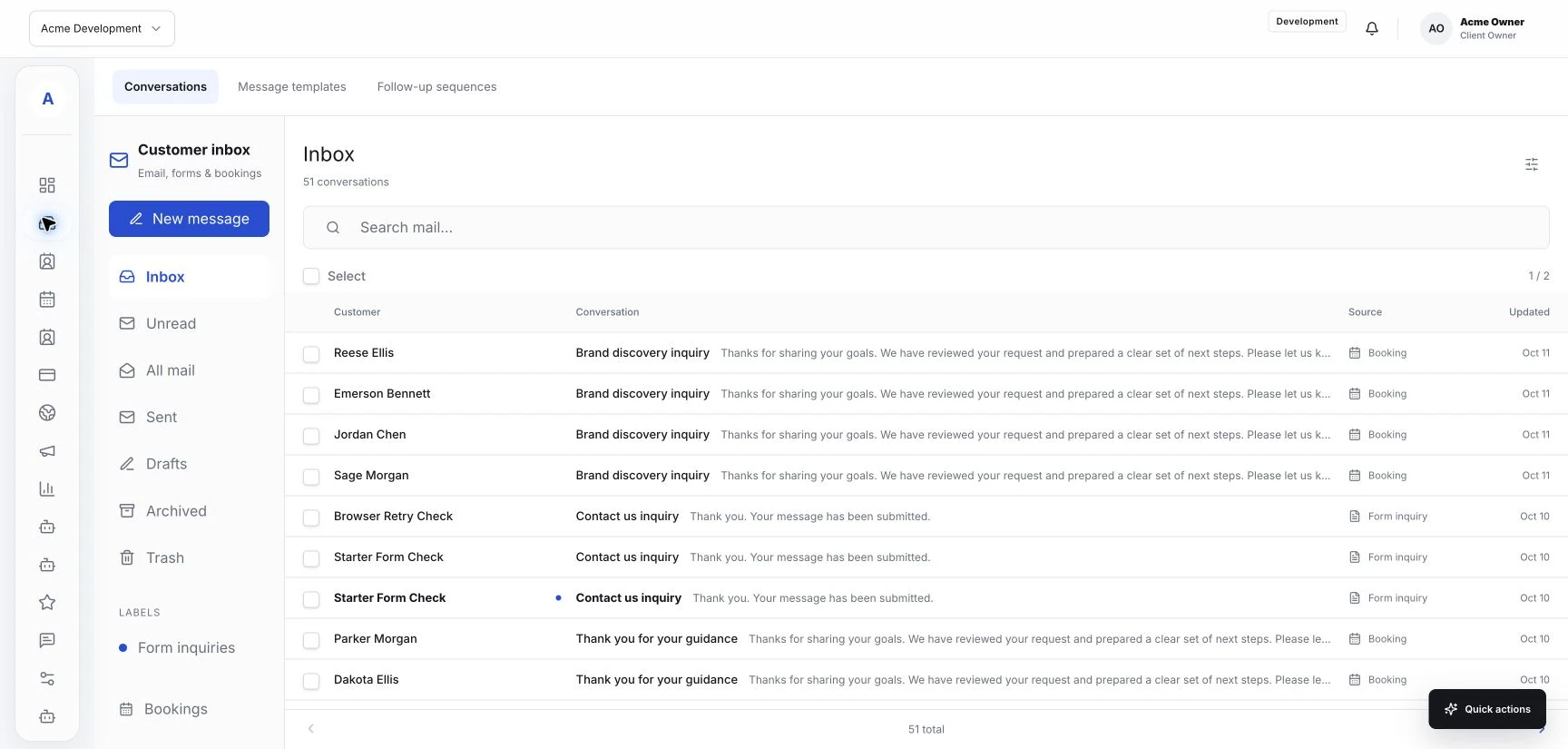
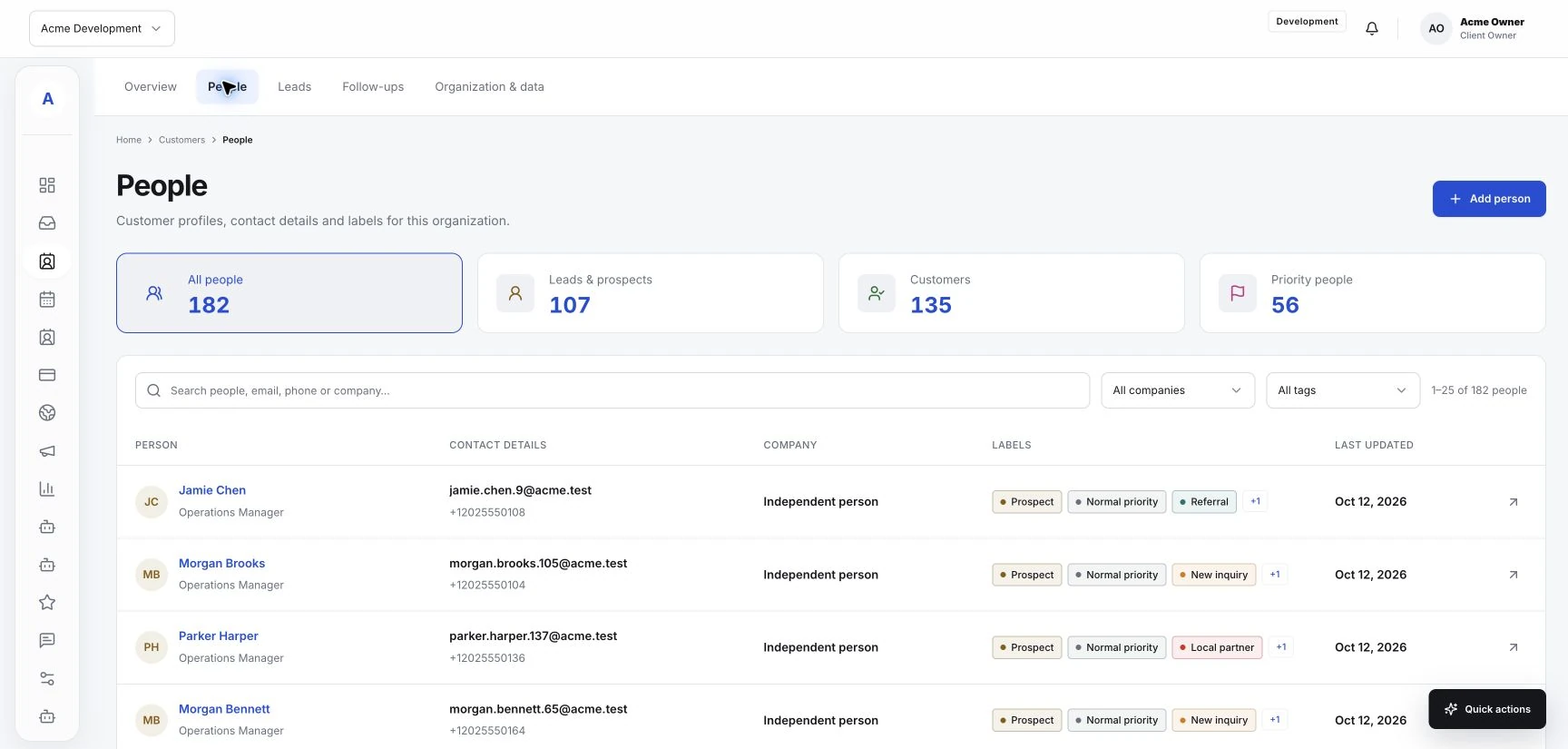
A useful follow-up gives a customer information they need or makes the next step easier. It might answer an unfinished question, check a requested appointment detail, or share something agreed during a conversation. Hub's customer profiles and shared inbox help your team review that context. Start with the reason for the message and the customer relationship it belongs to.
Know why you are following up
Before writing, identify what the message needs to accomplish. Are you waiting for information, confirming a detail, or continuing a discussion the customer asked to have? A clear purpose helps you choose both the wording and the timing.
Check the relevant conversation and customer profile first. The customer may already have answered through another available route, or a teammate may be handling the next step. Reviewing that context can prevent a confusing repeat request.
Choose a sensible moment
Base timing on the conversation and the service involved. If you agreed to contact the customer at a particular point, use that agreement. When you are waiting for a reply, give them a reasonable opportunity to respond before contacting them again.
Keep the team's review routine clear. Decide who looks at conversations that still need attention and who sends the follow-up. Use supported inbox status or assignment controls to make that responsibility visible where they are available.
Write a message that stands on its own
Remind the customer what you are following up on in a short opening sentence. Include the detail or link they need, then make the requested action clear. A customer should be able to understand the message without reading a long chain of earlier replies.
- Name the service or request you are discussing.
- Explain what you need or what has been resolved.
- Provide the relevant form or booking link when available.
- Leave an easy way to ask a question or tell you their plans have changed.
Distinguish service updates from marketing
An update about an existing request has a different purpose from a message promoting another service. Keep the content aligned with the reason you are contacting the customer. Review their recorded communication preferences wherever your setup provides them.
If you use optional marketing features or a connected provider, confirm the audience, message purpose, and available preference controls before sending. A drafted campaign or configured connection does not by itself show that a message has been delivered.
Keep the outcome with the customer context
After the customer replies, update the conversation using the controls your workspace supports. Record any useful next step in the relevant place. The next teammate should be able to understand what was discussed and whether anything still needs attention.