A customer may start with an email, ask a question through your website, and book a service later. Your team needs enough context to understand the request each time it comes back. In Loskutech Hub, the shared inbox and customer profiles give that work a common home. A useful inbox routine starts with a few clear decisions about how your team reviews and handles inquiries.
Know where requests arrive
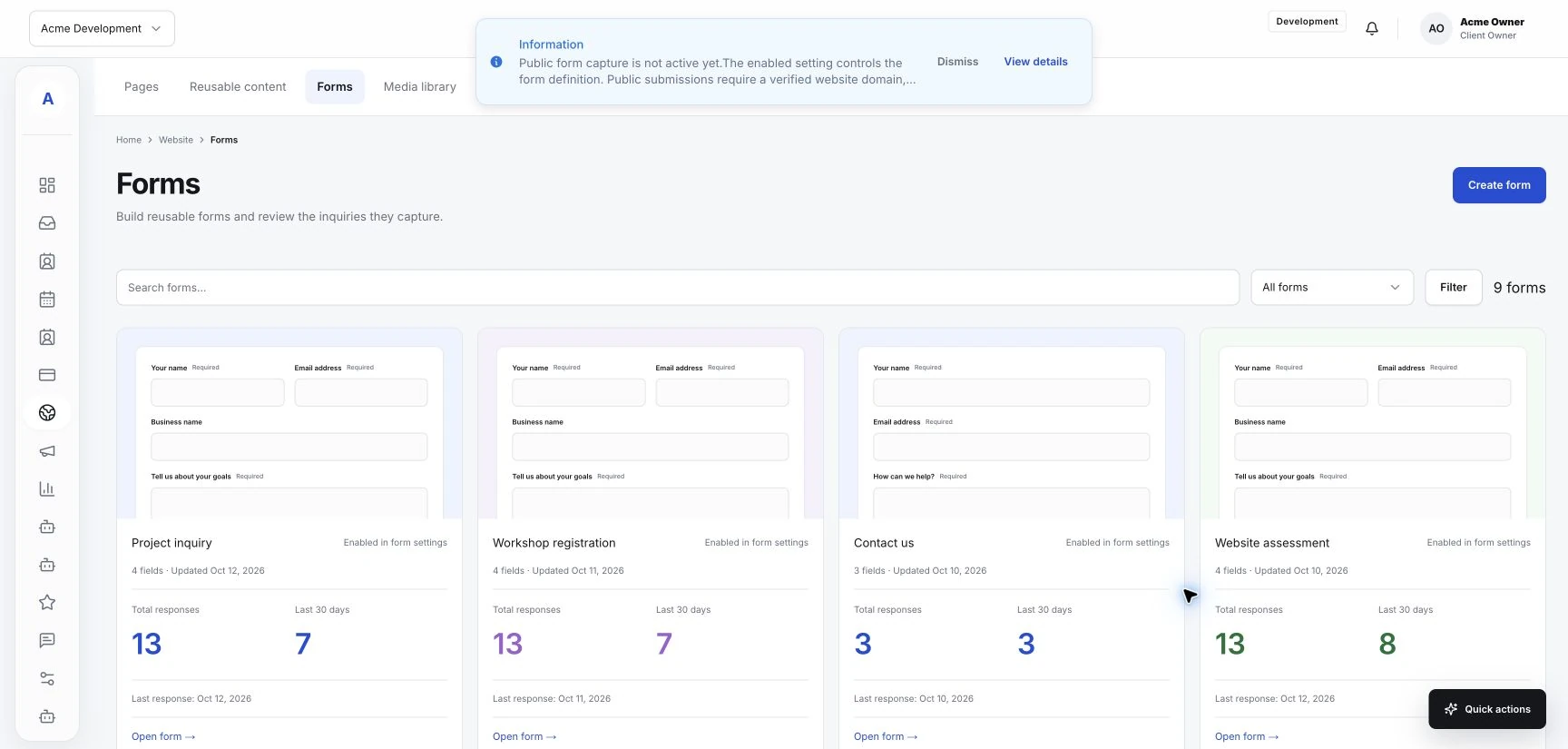
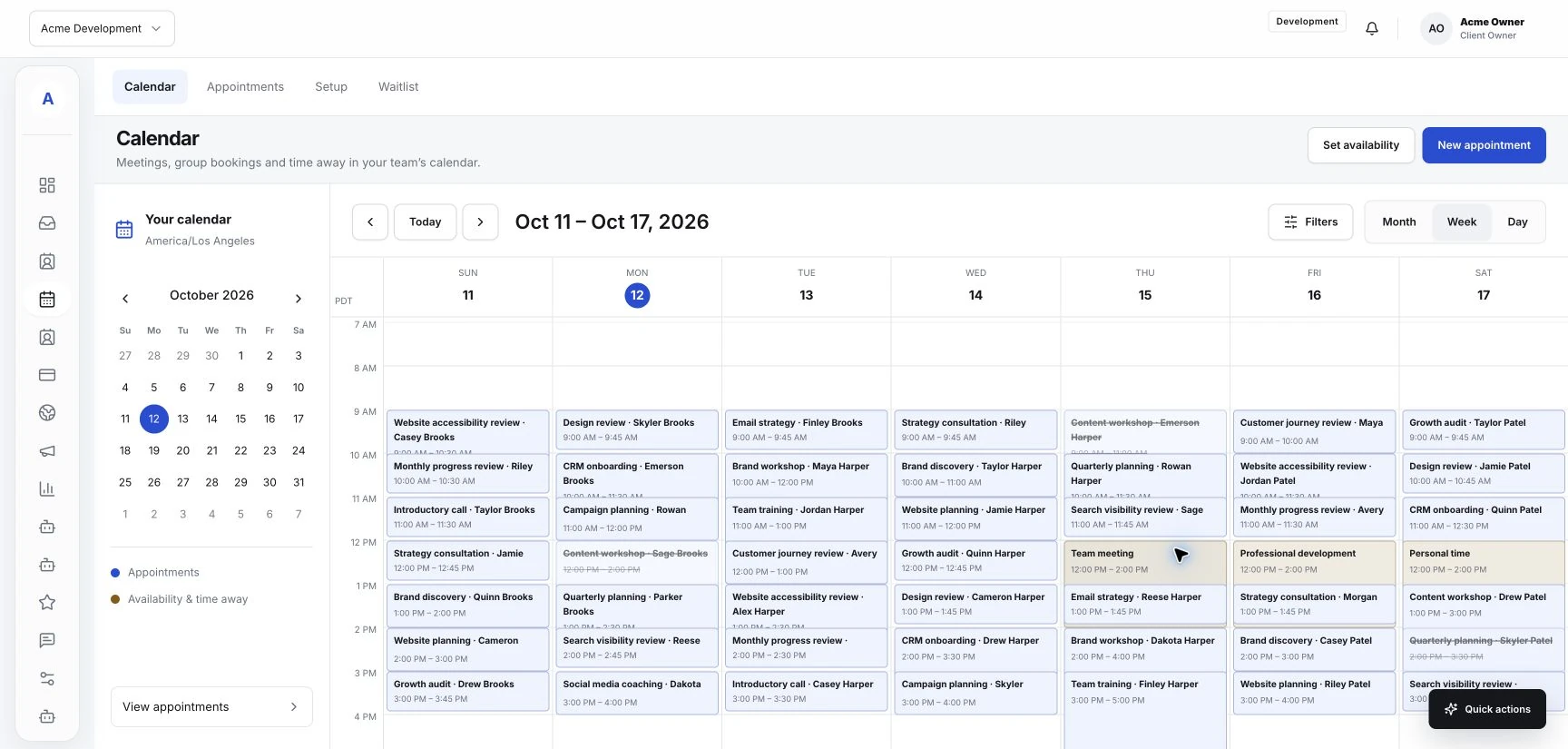
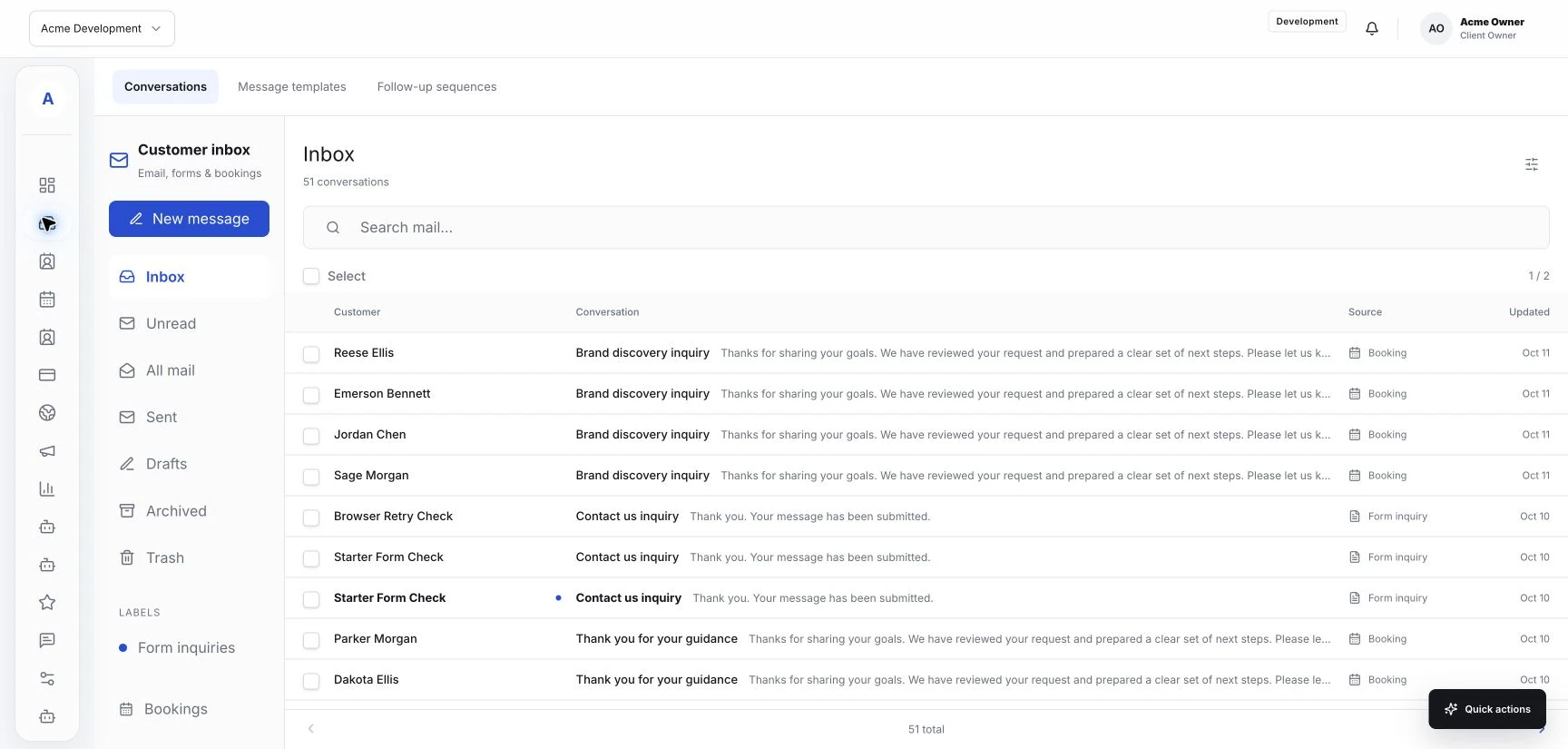
List the places customers already use to reach you: email, website forms, and booking inquiries. Check which of those sources appear in your Hub workspace. If a source depends on an integration, confirm that connection is configured before describing it as part of your process.
Then decide when someone reviews incoming work. Choose a routine that fits your opening hours and staffing. Everyone should know where to look and who is responsible for the next review.
Keep the customer context close
Before replying, check the customer profile and any relevant conversation already available. A returning client may have supplied details in an earlier message. Reading that context can help your team answer the current question without asking the customer to repeat everything.
Record useful information in the appropriate customer fields your workspace provides. Keep it factual and relevant to the service: the request, the preferred contact method, and any detail the next teammate needs.
Agree on who handles the next step
A shared inbox works best when responsibility is clear. Decide who handles general questions, who answers service questions, and who can confirm an appointment. Use the available assignment or status controls if your workspace supports them.
When a teammate takes over, give them a short handoff. Explain what the customer asked, what has already been discussed, and what is still needed. Keep that handoff with the request wherever your setup allows.
Reply with a concrete next action
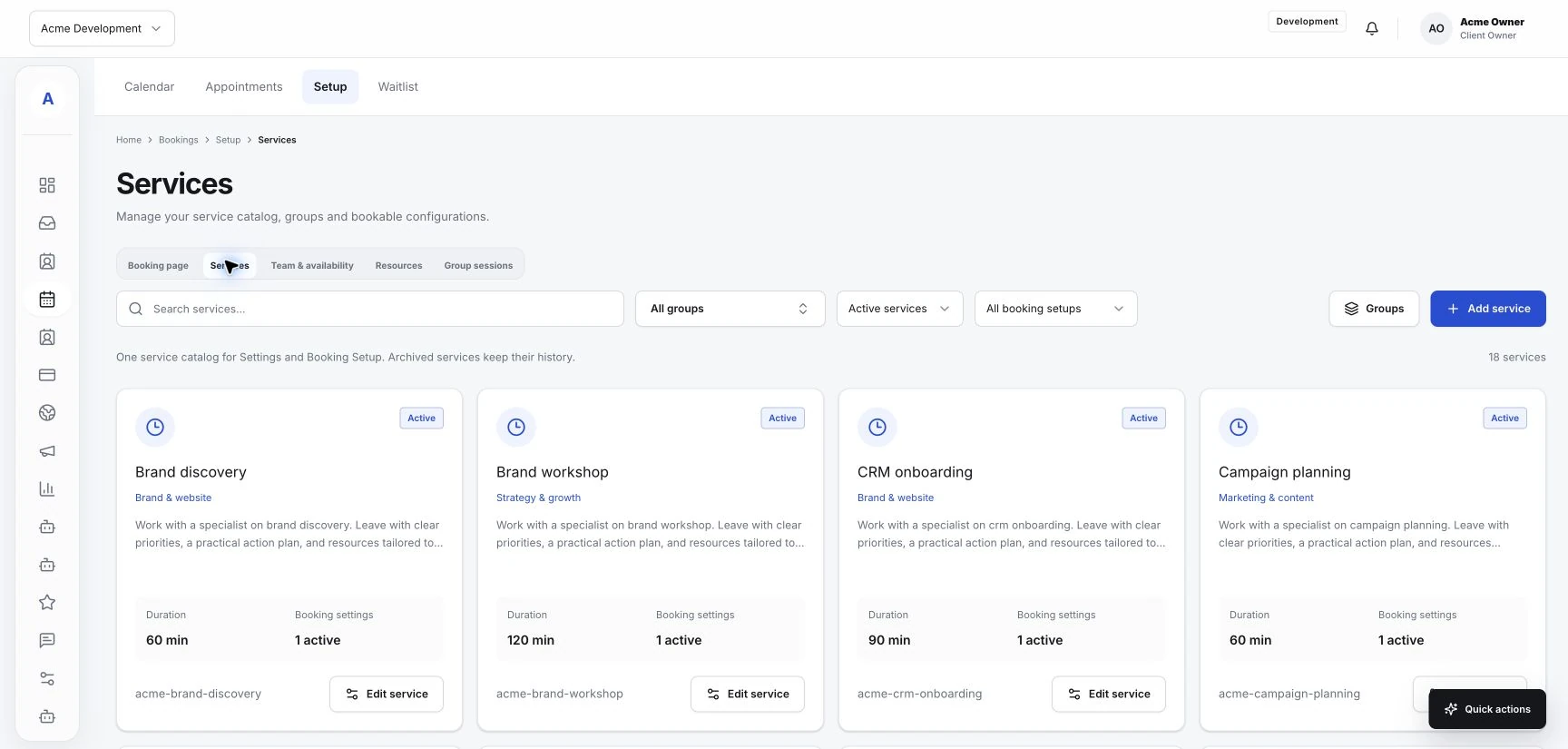
Make each response useful on its own. Answer the question you can answer, then explain the next action. That might be completing an intake form, choosing a service, or confirming an available appointment.
- Say what information you still need.
- Link to the relevant form or booking page when one is available.
- Explain who will respond next and when your team expects to review the request.
Review unfinished conversations
At the end of your review, look for requests waiting on your team and requests waiting on the customer. Treat them according to the status options available in Hub. A quick shared review helps the next person understand what needs attention when they open the inbox.