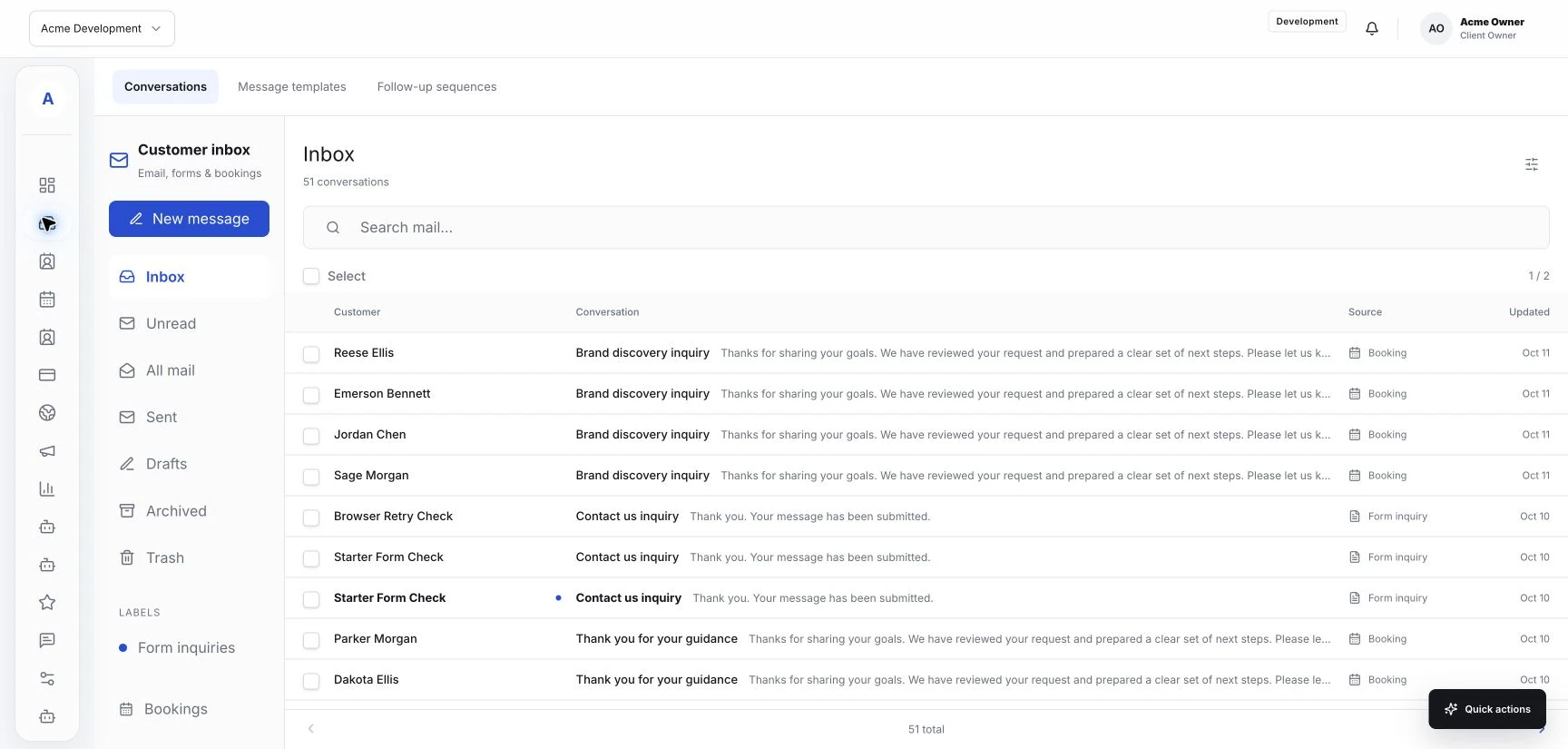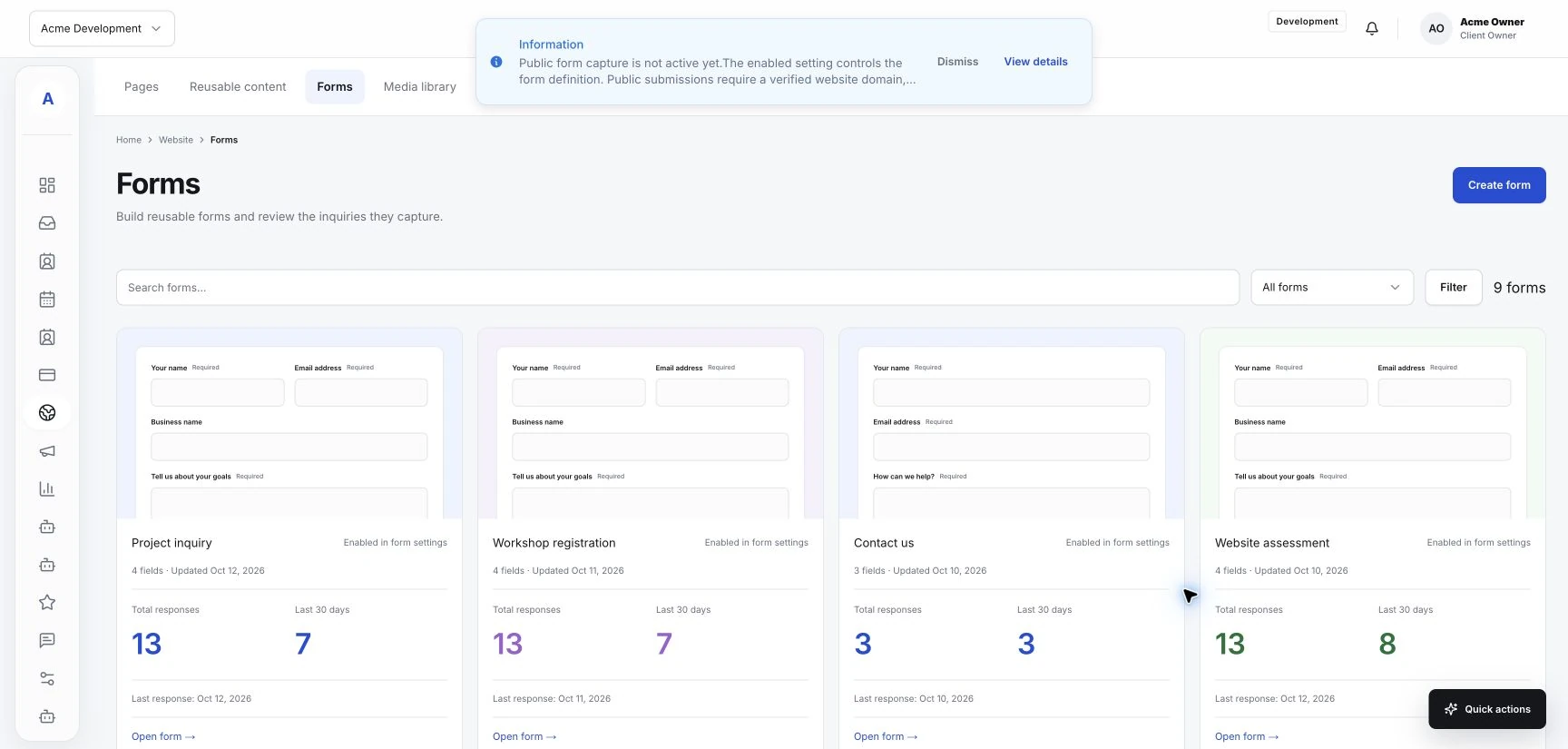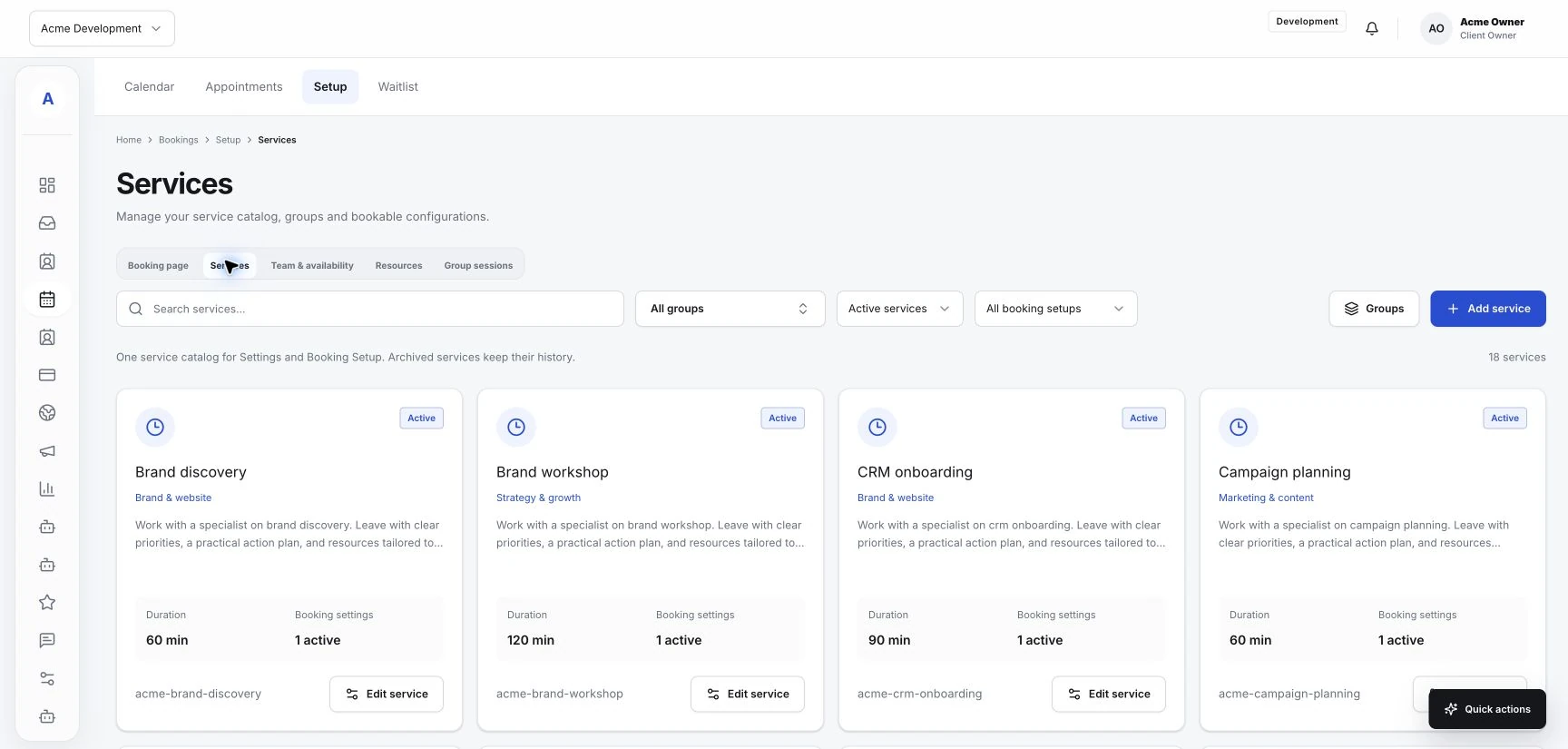
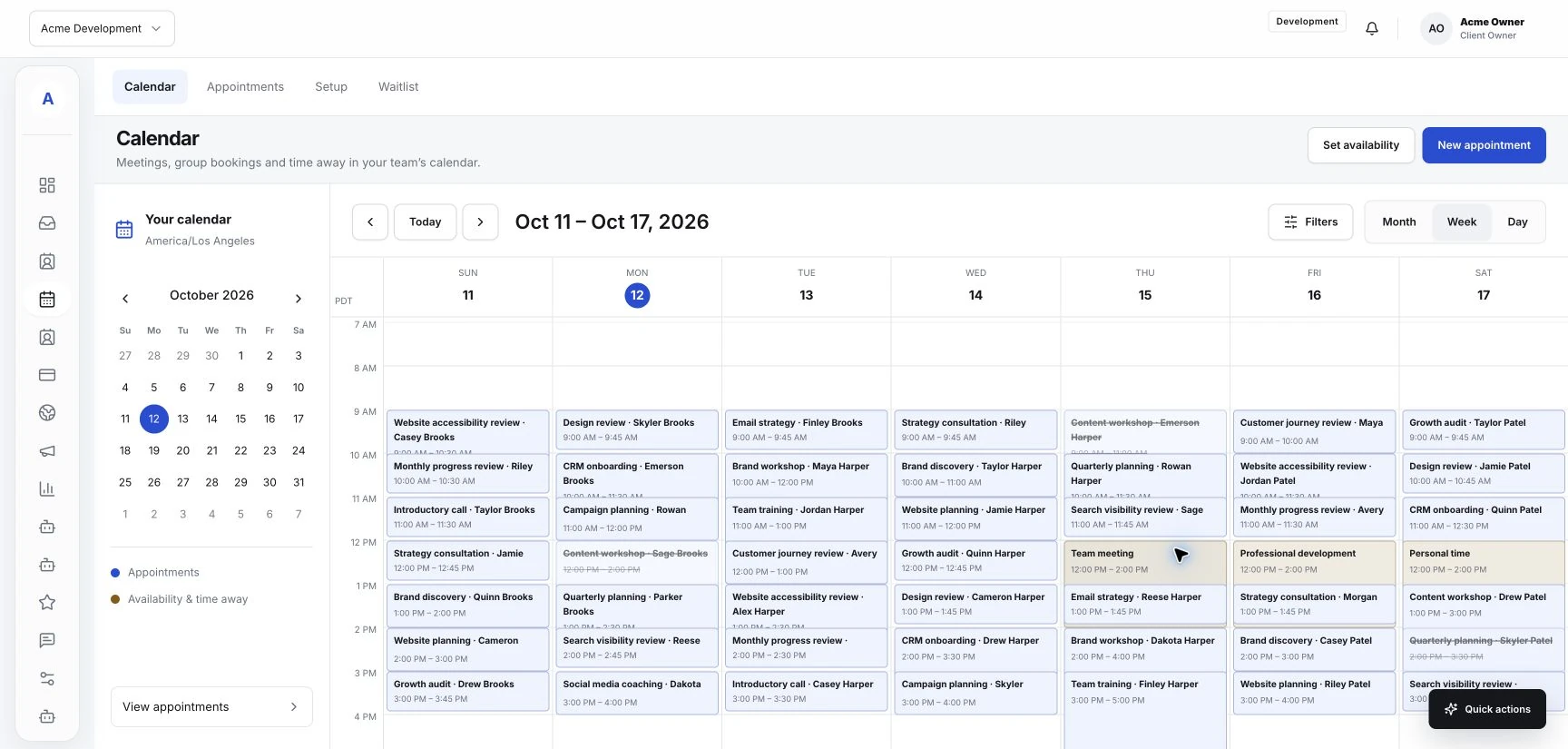
A service website often needs to do something quite practical: explain what you offer and help someone take the next step. That step may be a booking, a consultation request, or a question for your team. Hub's templated websites, forms, inbox, and scheduling tools give you places to build that path. The work begins with making the path clear to the visitor.
Explain the service before the action
Help a visitor understand which service fits their request. Use a familiar service name, a short description, and any practical information they need to choose. Keep that description consistent with the service information in your Hub workspace.
If your team needs to discuss the request before scheduling, explain that on the page. The visitor can then make an informed choice between asking a question and using a booking option that is actually available.
Match the button to the next step
Use an action label that accurately describes the destination. Book an appointment should lead to a working booking option. Ask about this service should lead to a relevant inquiry form or contact route.
Place the action near the information it relates to. A visitor reading about a consultation should be able to reach the consultation step without searching through unrelated services. Keep the main action visible on smaller screens as well.
Keep the handoff understandable
Check what happens when the visitor follows the link. The service name and surrounding language should still feel familiar. If the destination is hosted elsewhere or depends on a connected tool, verify that the integration and destination are configured for your business.
For an inquiry form, ask for the details needed to respond. For a booking route, review the available service and team options. Only present a time as available when your actual scheduling setup supports it.
Test the whole journey
Walk through the path from the published page to its final confirmation. Test each main service route rather than relying on the homepage link alone. Then check where the resulting inquiry or booking appears in your Hub workspace.
- Check service descriptions and destination links.
- Review the flow on a phone.
- Read required fields and confirmation wording.
- Confirm that the team can find and handle the test request.
Give the team a shared response routine
Agree on who reviews website inquiries and who handles booking questions. Keep customer context with the relevant conversation or profile using the controls available in Hub. A clear website journey needs an equally clear next step inside the business.