
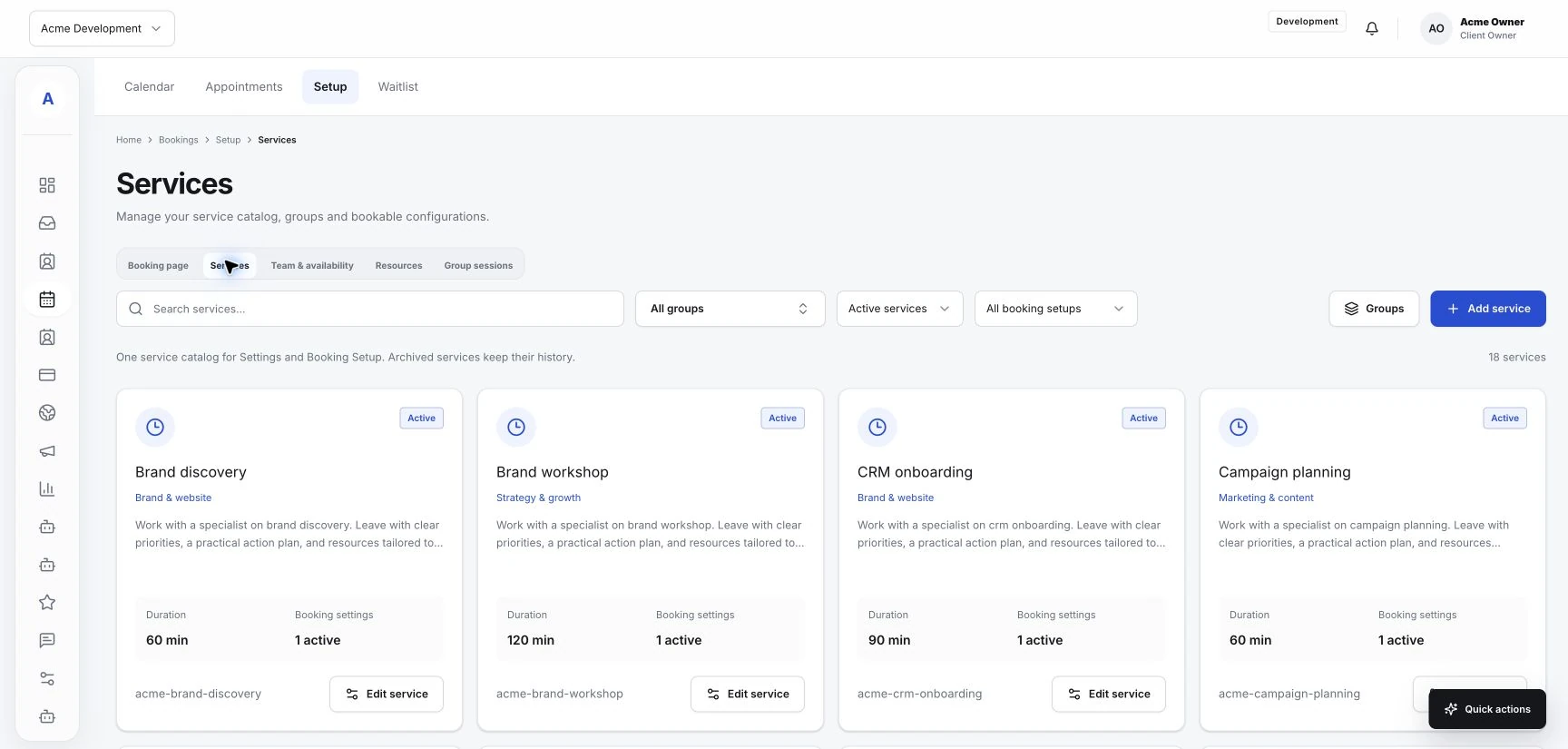
Set up services and availability around your working day
Make service names, team responsibilities, and booking availability reflect how your business actually works.
Read the guideOrganize the work around your sessions: client inquiries, intake, service options, team availability and the calendar.
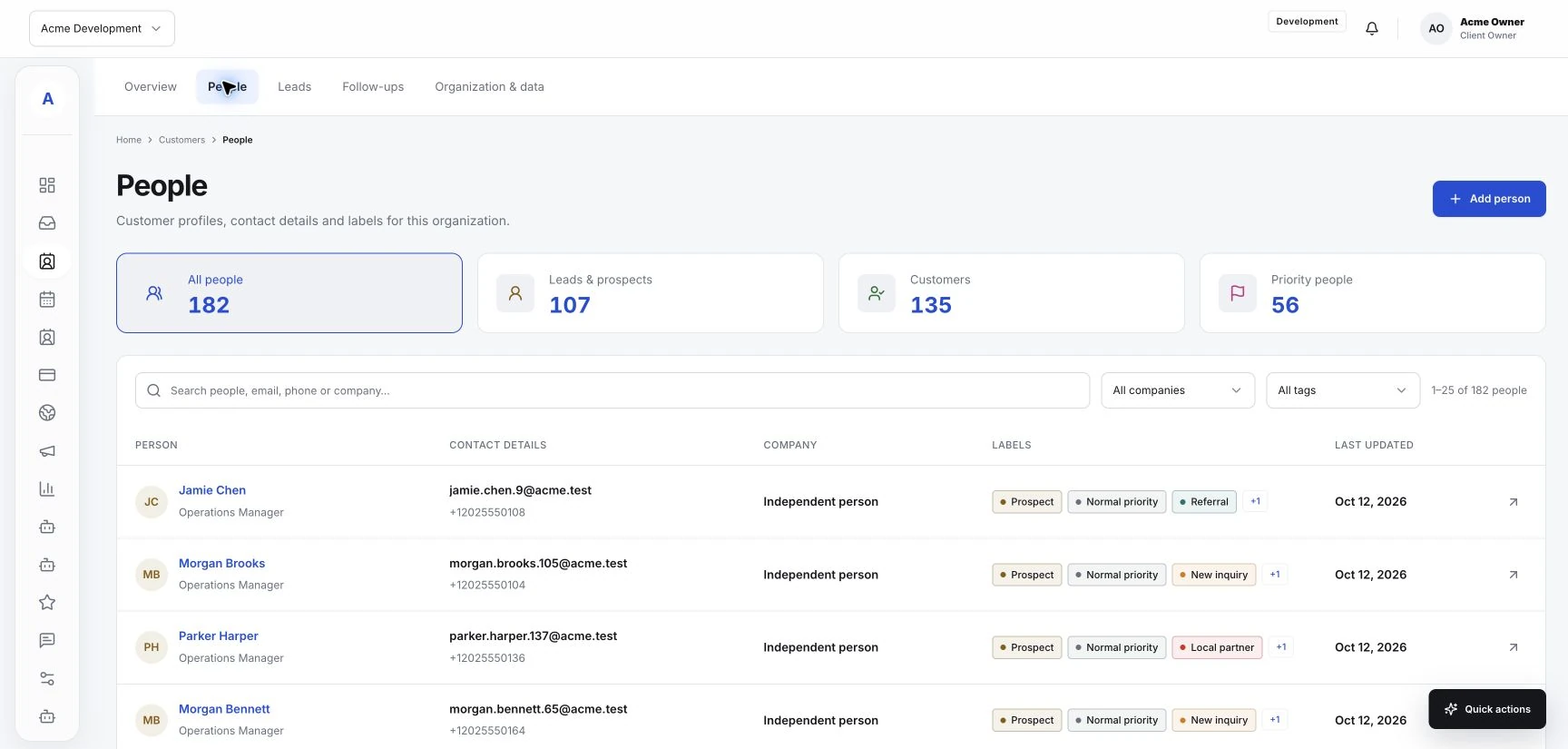
The practical details, connected to the people they belong to.
Use a focused form to understand the request and set expectations before arranging a first session.
Manage bookable services and team availability so the options reflect the work your business can provide.
Bring client details, conversation history and appointments together for the next teammate or visit.
An example for appointment-based coaching or fitness services. Configure the services and team options for your setup.
Explore the connected toolsExplain your service on the website and give them a clear inquiry or booking action.
Review the request, keep useful context in the customer record and answer their questions.
The selected service and client details stay with the appointment, ready for the team delivering it.
Make service names, team responsibilities, and booking availability reflect how your business actually works.
Read the guideUse conversation history and customer context to send follow-ups with a clear purpose and next step.
Read the guide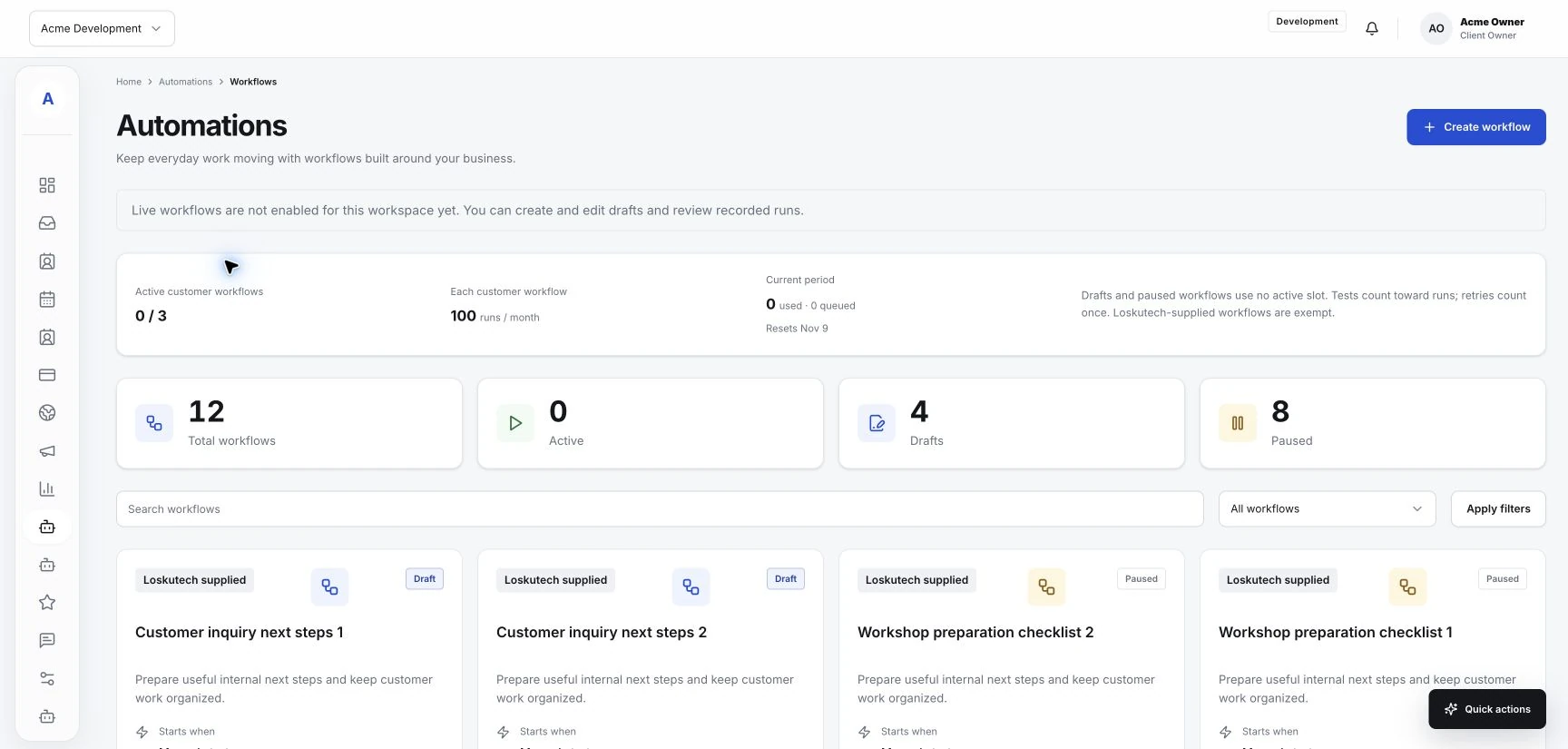
Start with a repeatable process, check the available controls, and test the result before relying on an automation.
Read the guideBring your customer work into one place. Start with the essentials and add the tools your business needs.