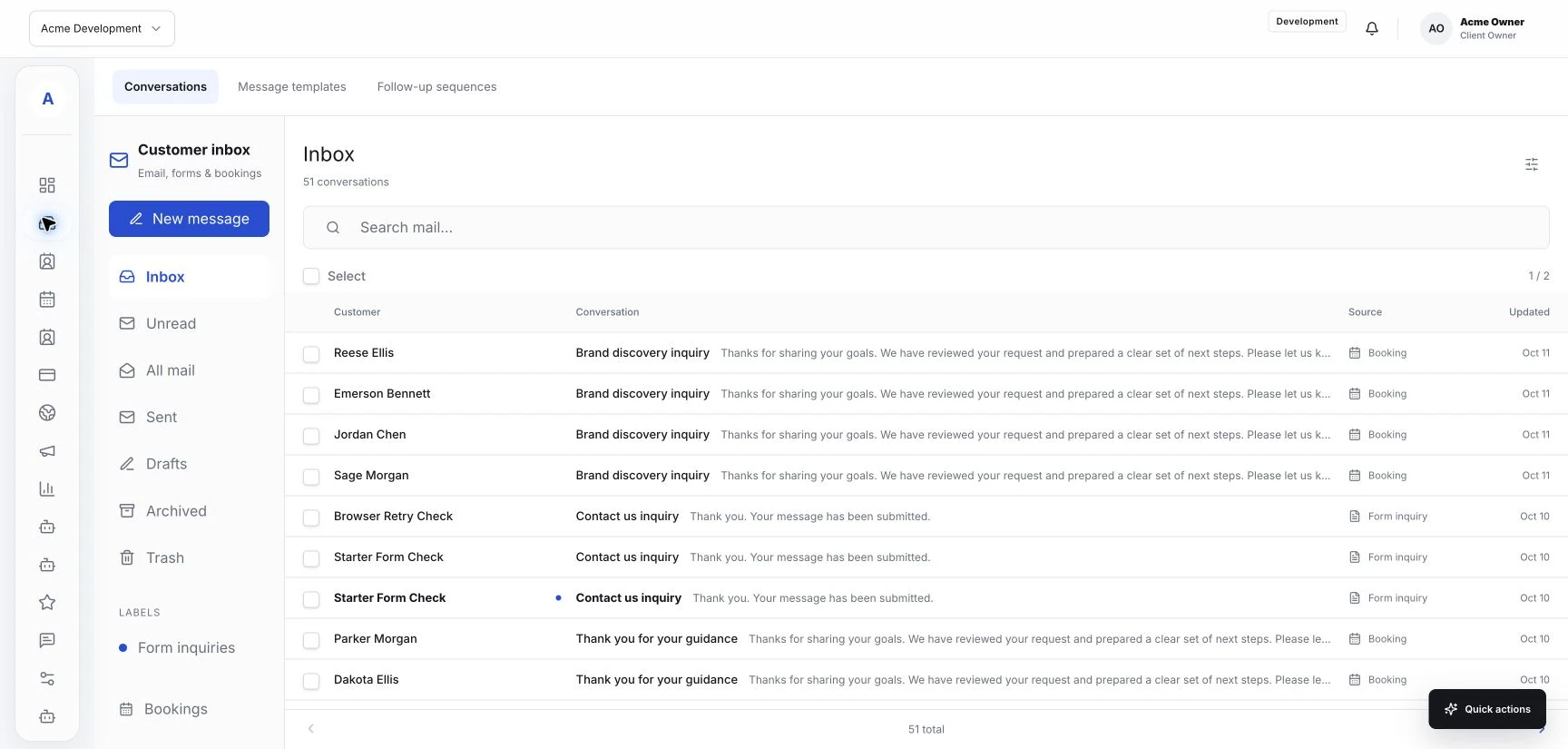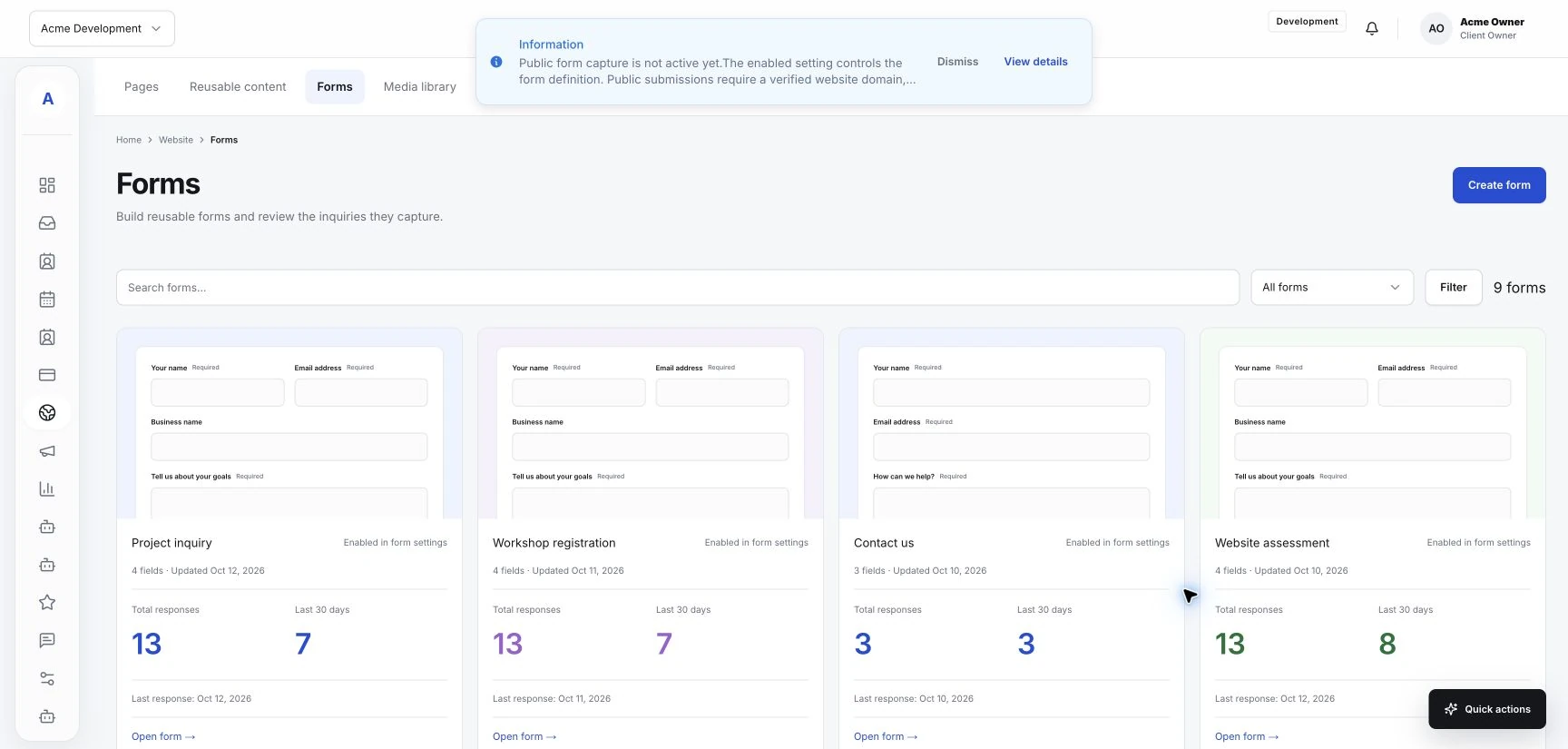
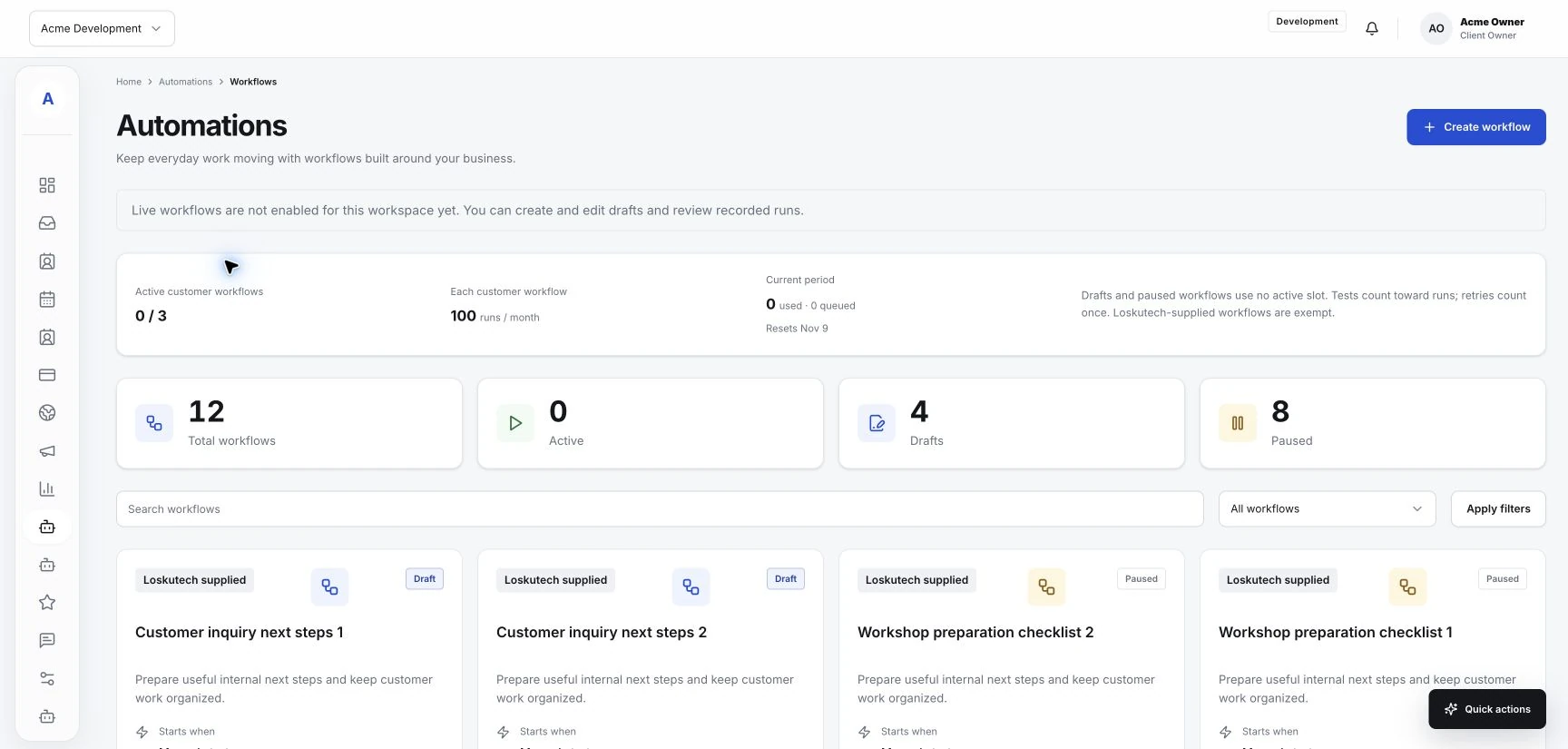
Automation can be useful when your team repeats a clear task and understands the result it expects. It works best after the process is understood. Optional automation features in Hub may support parts of that work, depending on your workspace and connections. Before configuring anything, choose a task whose trigger, required information, and outcome you can describe in plain words.
Look for a stable routine
Start with something your team already handles consistently. For example, you may have an agreed process for reviewing a submitted form or checking a request that still needs a response. Write down what starts the task, what information someone checks, and what they do next.
Notice where judgment is needed. A request with missing details, an unusual service question, or a change to an appointment may need a person to review it. Include those cases in the process before deciding what can run automatically.
Describe the intended result
Give the routine a specific outcome. The team should be able to look at a test and decide whether it behaved as expected. Define which requests qualify, what should happen, and where someone can review the result.
Also decide when the routine should stop. A customer reply or a completed next step may change what action makes sense. Check whether the available automation controls can express those conditions.
Check what your workspace supports
Review the actual automation options available in Hub before planning the implementation. Confirm that the trigger and action you need are supported. If the action depends on a connected provider, verify that connection and its configuration.
Describe a proposed workflow as proposed until you have tested it. An automation screen, saved draft, or listed integration does not establish that an external action is running. Keep the team clear about what is configured, enabled, and observed.
Test the normal path and the exceptions
Use a clearly identified test request and check the whole result. If the routine could contact a customer or change a booking, use a test destination and review the action before relying on it for live work.
- Test a request with complete information.
- Test missing or unexpected information.
- Check how a repeated event is handled.
- Confirm who can pause the routine and review a problem.
Give the routine an owner
Choose someone to review the routine when services, forms, or team responsibilities change. Keep a short description of its purpose and expected behavior. Review observed outcomes using the records your setup provides, and adjust the process when the real work changes.